
Diaspora landlord guide
M-Pesa Rent Tracking for Diaspora Landlords: A Practical Kenya Guide
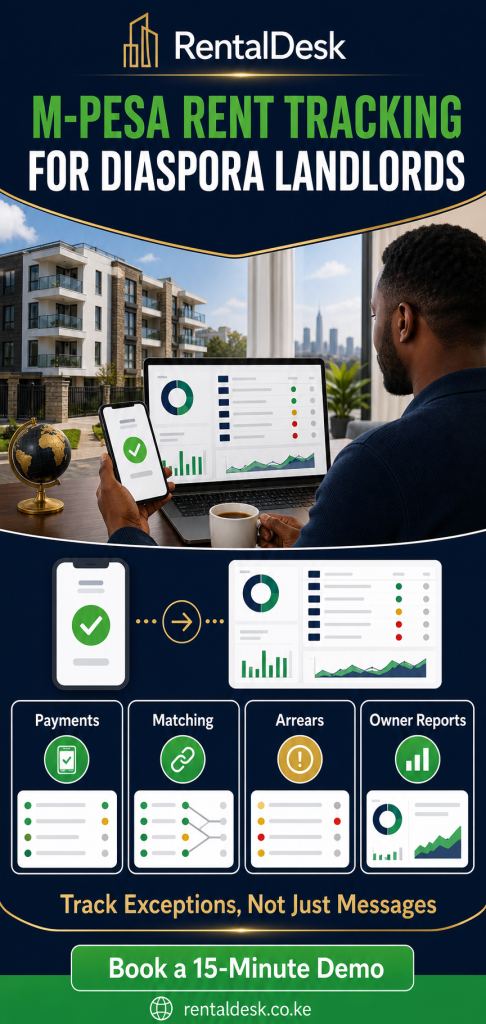
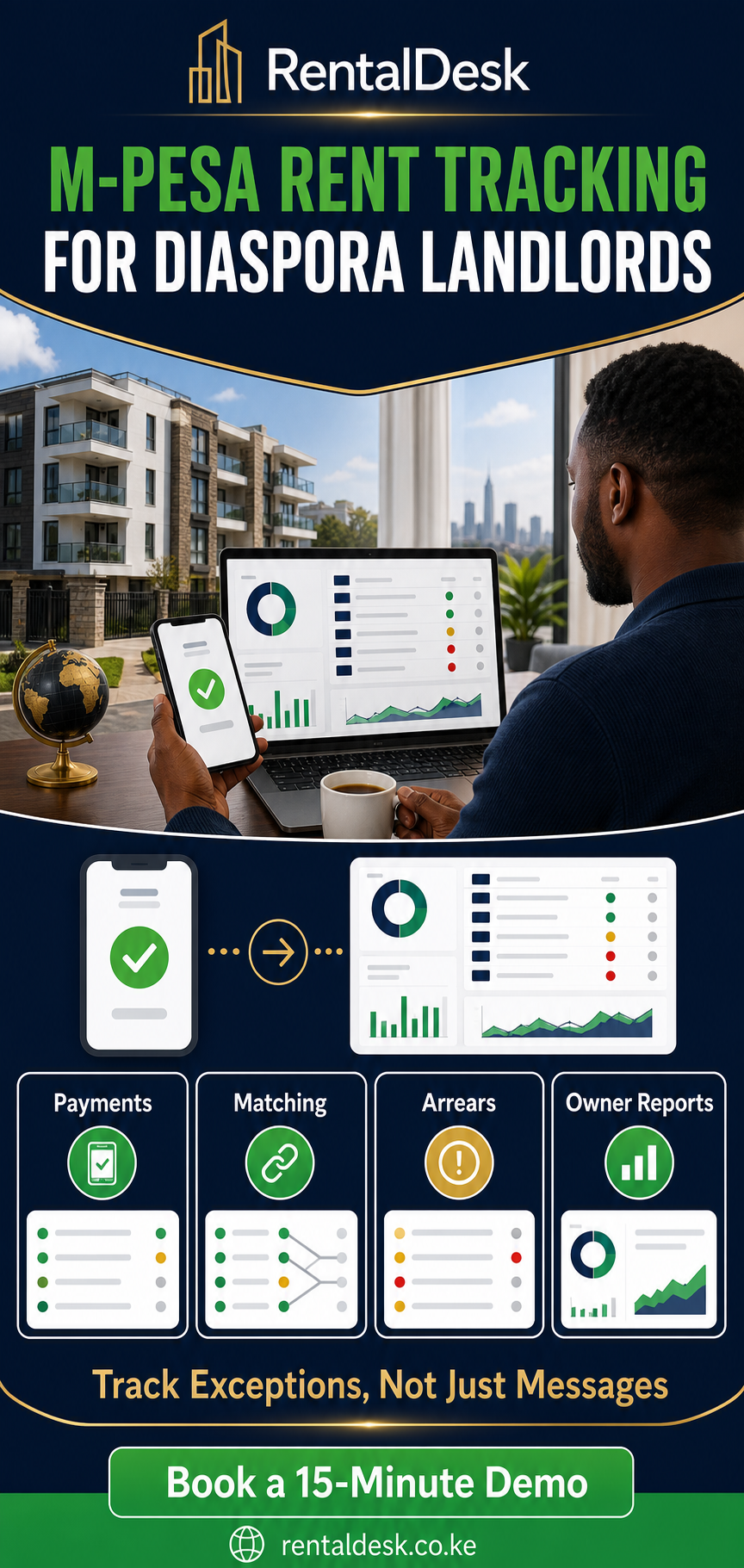
Owning rental property in Kenya while living abroad creates a particular kind of information problem. Rent may arrive through M-Pesa within seconds, yet the owner may wait days for a forwarded message, an updated spreadsheet, or an explanation of which tenant paid. A phone notification proves that money moved; it does not automatically prove which unit the payment belongs to, whether the tenant cleared the full invoice, or how much should remain after an approved expense. Effective M-Pesa rent tracking for diaspora landlords therefore requires more than watching transaction alerts from another country.
A reliable remote workflow connects the payment to the correct property, unit, tenant, invoice, receipt, and balance. It also gives the person managing the property in Kenya a clear process for exceptions: incomplete references, partial payments, duplicate entries, cash deposits, late payments, and amounts that cannot immediately be identified. When those records are kept consistently, an owner can review collections and arrears without rebuilding the month from WhatsApp conversations.
This guide explains how to design that workflow, what to request from a caretaker or property manager, which controls reduce avoidable confusion, and how RentalDesk can support structured Kenyan rent operations. It is an operational guide rather than financial, tax, or legal advice. Every portfolio has its own leases, banking arrangements, roles, and reporting expectations, so the right setup should be confirmed during onboarding.
Why M-Pesa Alerts Are Not a Rent Ledger
M-Pesa is useful for Kenyan rent collection because tenants already understand it and payments can be confirmed quickly. The management difficulty begins after the payment. A transaction message normally contains an amount, time, reference, and sender details. A landlord still needs to know what the amount was meant to settle. Was it rent for the current month, an arrears instalment, a deposit, utility reimbursement, service charge, or a combination? Did the tenant use the agreed account reference? Was a similar transaction already recorded?
A rent ledger answers those questions by placing each payment in context. It connects a debit or credit to a specific tenant account and shows what was billed, what was received, and what remains outstanding. Without that connection, a list of M-Pesa transactions may look complete while individual tenant balances are wrong. This is why remote owners often discover disagreements at month-end even though every payment message seemed to have been captured.
The five records that must agree
For straightforward oversight, five records should tell the same story: the property and unit list, the active tenant record, the monthly invoice or charge, the payment record, and the resulting balance. If a caretaker maintains one list, an accountant maintains another, and the owner receives only a monthly summary, differences can persist unnoticed. A structured system reduces that fragmentation by keeping these operating records connected.
The purpose is not to remove human review. It is to make review focused. Instead of asking a manager to explain every payment, the owner and manager can concentrate on exceptions: payments with an unclear reference, amounts that do not match the expected charge, tenants who remain part-paid, reversed transactions, or receipts entered outside the normal M-Pesa flow.
Why screenshots create weak evidence
A screenshot can help confirm that a message exists, but it is difficult to search, reconcile, or aggregate. Screenshots can be cropped, forwarded without context, and stored in different chats. They also do not update a tenant balance. A reliable workflow preserves the transaction reference in a searchable payment record and links it to the relevant tenant and unit. Supporting files may still be useful, but they should not be the primary accounting structure.
Owners abroad should be cautious about using a shared WhatsApp group as the main rent register. Chat is useful for discussion, reminders, and resolving exceptions. It is not designed to show opening balances, monthly charges, part payments, arrears ageing, receipts, and adjustments in one coherent sequence.
What Remote Rent Control Should Answer
A diaspora landlord does not need a flood of messages. The owner needs a small set of dependable answers. At any reasonable review point, the system and local team should be able to explain who was billed, who paid, who paid partly, who has not paid, which transactions need review, and what actions are next. These answers should be available by property and unit rather than only as one total.
The first control is completeness. Every occupied unit should have an active tenant record and an agreed rent schedule. Vacant units should be clearly marked. If the unit register is inaccurate, even a good payment tool produces misleading occupancy and income reports. Remote control therefore starts with master data, not with a dashboard.
Collection visibility
Collection visibility means seeing the expected rent for a period beside recorded payments. It should distinguish fully paid, part-paid, unpaid, and overdue accounts. A total collection figure is helpful, but it cannot show which balances require follow-up. The owner should be able to move from the portfolio summary to the underlying tenant or unit record when a figure needs explanation.
Exception visibility
Exceptions are the items that cannot safely be treated as normal collections. Examples include an M-Pesa transaction without a usable tenant reference, two tenants with similar names, a payment made from a relative’s phone, an apparent duplicate, or an amount that could apply to several charges. RentalDesk describes a reconciliation workflow for unmatched, unclear, or duplicate payments. The benefit for an overseas owner is not automatic perfection; it is a visible queue of items that still require a decision.
Follow-up visibility
A remote owner should also know whether arrears are merely listed or actively managed. A useful operating record identifies the balance, the age of the balance, recent payment activity, and the responsible person for follow-up. It should be possible to discuss a specific account without searching several months of messages. For a closer look at this workflow, see RentalDesk’s arrears tracking overview.
Reporting visibility
Reporting should connect collections to the operational events behind them. A month with lower receipts may reflect arrears, vacancies, a new tenancy starting mid-month, a concession, or an unrecorded payment. A summary is most useful when the reader can trace the total back to detailed records. That traceability makes questions more precise and reduces repeated requests for explanations.
The Payment-to-Ledger Workflow for a Diaspora Portfolio
A consistent payment workflow is easier to supervise than a collection process that changes from tenant to tenant. The following sequence reflects the documented RentalDesk approach while allowing room for portfolio-specific setup.
1. Set up properties, units, tenants, and charges
Before accepting data into a new system, verify the property register. Each building should have the correct units, occupancy status, tenant details, agreed rent, and relevant recurring charges. Old tenants should not remain attached to occupied units, and unit names should be unambiguous. If several buildings contain a Unit A1, the property name must remain part of the record so reports cannot mix them.
Then define how rent is billed. A monthly invoice or charge provides the expected amount against which payments can be applied. This matters when a tenant pays less than expected, pays early, or combines several obligations. A transaction without a charge can be recorded, but its effect on the tenant’s position may be harder to explain.
2. Give tenants a clear payment route
The payment instructions should be consistent and easy to repeat. RentalDesk supports Kenyan workflows involving Paybill, Till, STK Push, ZivoPay invoice links, and manual payment recording. The chosen route depends on the owner’s or manager’s configuration. Tenants should receive the correct account or reference instructions and know where to ask for help if a reference is rejected or a payment does not appear.
Changing instructions informally is risky, especially when the owner lives abroad. Any change to a Paybill, Till, payment link, or reference format should be communicated through an agreed channel and confirmed by the responsible local manager. The software can structure records, but governance around payment instructions remains an owner and management responsibility.
3. Capture the transaction
When a tenant pays, the transaction enters the collection workflow or is recorded by the authorised team member. The record should preserve the amount, date, payment route, transaction reference, and payer information available. Manual payments should be clearly distinguishable from automatically captured transactions so reviewers understand how the entry was created.
4. Match it to the correct tenant and unit
A clear reference can support matching to the intended tenant account. Where the reference is incomplete or ambiguous, the payment should remain available for reconciliation rather than being assigned based on a guess. Matching is the point at which a raw transaction becomes meaningful rent information. The RentalDesk M-Pesa rent collection page explains this payment, matching, balance, receipt, and exception sequence.
5. Apply it to the invoice and update the balance
A full payment can settle the relevant charge. A partial payment reduces the amount outstanding while leaving the remaining balance visible. An overpayment should remain visible for review rather than disappearing inside a total. The treatment of credits, deposits, or allocations across periods should follow the portfolio’s agreed operating policy.
6. Issue receipt context and preserve history
The payment record should support a receipt and remain in the tenant’s history. If a figure changes later, the team should be able to explain why. That does not mean every correction is forbidden; it means corrections should be controlled and attributable. A remote landlord gains confidence when current balances are supported by a sequence of invoices, payments, receipts, and authorised adjustments.
7. Review exceptions and arrears
The daily workflow is not complete when normal payments are posted. Someone must review unmatched transactions and accounts that remain part-paid or unpaid. The property manager should know which items need tenant clarification, which need an internal correction, and which require owner input. Exception ownership prevents uncertain items from remaining unresolved until the end of the month.
Tenant References and Accurate M-Pesa Matching
Reference quality is one of the simplest controls a diaspora landlord can improve. A consistent reference helps the system and team identify the correct account, while an inconsistent reference increases manual work. The best format is usually one that is unique, stable, and easy for the tenant to enter. Avoid relying only on names, because names can be misspelled, shared, abbreviated, or changed.
Create a reference policy
Write down the required format and include it in onboarding messages, rent reminders, and payment instructions. If the portfolio uses property and unit codes, make sure the codes are readable and do not change every month. Keep the policy short enough that caretakers can explain it consistently. The aim is to reduce exceptions, not to create another complicated procedure.
Plan for payments from other phone numbers
Tenants sometimes pay from a spouse’s, relative’s, employer’s, or agent’s number. A good process should not assume the payer name always equals the tenant name. The reference and amount still need to be considered, and uncertain payments should be reviewed. If the team learns that a tenant frequently pays from a particular alternative number, record the operational context where appropriate rather than relying on one person’s memory.
Do not force a match merely to clear the queue
An unresolved payment is inconvenient, but a wrong match can be worse. It may make one tenant look paid and another look overdue, cause an incorrect receipt, and distort arrears reports. The reconciliation queue should be treated as a control, not as a performance score that staff must reduce at any cost. Managers should have a defined escalation route for ambiguous items.
Keep transaction references searchable
When a tenant asks about a payment, the team should be able to search the transaction reference and locate the related record. This is more dependable than searching chat history. It also helps identify an accidental duplicate entry or confirm that a payment was received but has not yet been allocated.
Separate payment confirmation from allocation
It is useful to distinguish two statements: “the money arrived” and “the money has been applied to the correct account.” A transaction can be confirmed but still await allocation. Monthly reporting should not hide that distinction. Unallocated receipts may affect cash received, but they should not silently settle a tenant invoice until the team has enough information to match them responsibly.
Handling Partial Payments, Overpayments, and Unmatched Rent
Remote rent tracking becomes valuable when actual behaviour differs from the ideal. Many portfolios contain part payments, late payments, payments covering more than one month, and amounts sent without the expected reference. The system should represent those events clearly rather than forcing every transaction into a “paid” or “unpaid” label.
Partial payments
If the monthly charge is KES 30,000 and the tenant pays KES 20,000, the record should show the payment and the remaining KES 10,000. The owner needs both facts. Marking the tenant simply as paid conceals arrears; ignoring the payment understates collections. RentalDesk’s documented workflow supports part-paid visibility and remaining balances, allowing follow-up to focus on the outstanding amount.
Overpayments and credits
An amount above the expected charge may be intentional, accidental, or meant for another obligation. It should be visible for review. The owner and manager should agree how credits are treated before applying them to a future period or another charge. Software records the decision; it should not invent the policy.
Unmatched payments
An unmatched transaction should retain its original details and enter a review process. A team member can contact likely tenants, compare amounts and timing, and document the eventual allocation. The owner does not need every conversation, but the monthly report should make material unresolved collections visible.
Duplicate and reversed transactions
Similar references or repeated manual entry can create apparent duplicates. Reversals and corrections also require care. Avoid deleting records simply to make totals balance. Use the available correction or review workflow and preserve enough context for another authorised person to understand what changed. During a RentalDesk demonstration, ask the team to show how the system handles the exact exception types common in your portfolio.
Cash and bank receipts
Some portfolios still receive non-M-Pesa payments. The local team should record them through the authorised manual process, with the payment route and supporting reference clearly identified. Mixing cash or bank receipts into an M-Pesa list without labelling them makes reconciliation harder. A complete tenant ledger should present all approved payment routes while preserving their differences.
How M-Pesa reconciliation supports rental income visibility
Diaspora owners may need a cleaner monthly rent list, multi-property reporting, M-Pesa reconciliation, maintenance records and controlled access for an agency. The selection process should begin with the operating problem, not a long feature checklist. For the full income-control intent, continue to the dedicated diaspora rental income tracking guide.
Start with the unit and tenant register
Ask whether the system provides a clear structure for properties, units, occupancy, and tenants. A dashboard cannot compensate for duplicate units or expired tenant records. Review how the team moves a tenant out, records a new tenant, marks a vacancy, and preserves historical records. These routine transitions affect rent expectations and monthly comparisons.
Review billing and collection together
Income tracking is strongest when expected charges and actual receipts can be compared. Ask how monthly invoices are generated, how M-Pesa and manual payments are recorded, and how partial payments affect balances. Look at the detailed tenant ledger rather than only the headline total.
Inspect the exception workflow
A polished dashboard may show normal payments well but say little about uncertain ones. Ask to see an unmatched payment, a duplicate under review, a part payment, and an overpayment. Find out who can resolve each item and whether changes remain visible to reviewers. These situations often determine whether the system reduces or merely relocates manual work.
Confirm owner reporting
If a property manager or agency operates the portfolio, the owner needs reporting that explains rent collected, arrears, expenses, fees, occupancy, and payout calculations as applicable. RentalDesk presents an owner statements workflow designed around connected property, tenant, payment, expense, and reporting records. During evaluation, confirm which fields and export formats are available for the selected plan and setup.
Assess access controls
Remote ownership often involves several people: owner, co-owner, manager, caretaker, accountant, and maintenance coordinator. They should not automatically share one administrator login. RentalDesk documents role-based access for managers, caretakers, accountants, and administrators. Ask for a role demonstration using the actual tasks each person performs.
Consider onboarding, not only software
Moving from spreadsheets requires data cleanup, tenant imports, property configuration, rent schedules, and team training. RentalDesk offers guided setup, but the owner and local team still need to provide accurate source records and make operational decisions. Include onboarding effort in the selection decision and agree who signs off the opening balances.
Prefer traceability over decorative metrics
A useful metric can be traced to underlying units and transactions. If the dashboard says 92 percent collected, the user should be able to see what was expected, what was received, and which accounts make up the remainder. The exact presentation may vary, so test the workflow in a demo rather than assuming a label guarantees a particular calculation.
Turn reconciled rent into a useful month-end owner report
A useful month-end report should make overseas oversight easier without hiding important exceptions. It does not need to reproduce every operational screen. It should summarise the period, identify material changes and let the owner trace figures back to supporting records when necessary. The separate monthly reporting guide for overseas landlords explains that reporting standard in depth.
Portfolio summary
Begin with the reporting period, properties included, total units, occupied units, vacant units, expected rent, recorded collections, and outstanding balances. Clearly define the period and whether late receipts for earlier months are included. A figure labelled “rent collected in July” can mean cash received during July or July charges settled; those are not always the same.
Collection detail
Provide a unit-level or tenant-level schedule showing full, partial, unpaid, and overdue positions. Include enough detail to support follow-up without exposing unnecessary personal information in casual channels. Where an amount is still unmatched, show it separately rather than using it to make a tenant balance appear settled.
Arrears movement
An arrears total alone does not show whether the position improved. The report should explain opening arrears, new unpaid charges, recoveries, authorised adjustments, and closing arrears where the system supports those views. Highlight significant or long-running balances for management attention. Avoid making legal conclusions about recovery; follow the lease and obtain appropriate advice when needed.
Occupancy and tenancy changes
List units that became vacant, new tenancies, notices recorded by the local team, and units unavailable because of maintenance where relevant. These events explain changes in expected income. The property manager should attach or reference supporting documentation through the approved process rather than providing only a narrative.
Expenses and owner payout context
Where the manager records property expenses and management fees, the owner statement should explain the category, amount, date, property, and approval context. Large or unusual expenses deserve a short note. The final amount due to the owner should reconcile to recorded collections and approved deductions according to the management agreement.
M-Pesa exception schedule
Include material unmatched, unclear, duplicate, or reversed transactions that remain unresolved at the reporting cut-off. State who is handling each item and the next action. This prevents the monthly total from appearing more certain than the underlying records.
Maintenance overview
A brief maintenance schedule can show open requests, resolved requests, significant approved costs, and items awaiting an owner decision. RentalDesk has a documented maintenance request management workflow. Confirm during setup how maintenance records connect to expenses and owner reporting for the chosen configuration.
Management notes and decisions required
End the report with a short action list. Separate information from decisions. For example, “Unit B4 remains part-paid” is information; “approve the quoted plumbing repair” is a decision. This structure helps an owner in another time zone respond efficiently and keeps approvals from becoming buried in long messages.
Roles, Approvals, and Accountability Across Countries
Software works within a management arrangement; it does not replace one. A diaspora landlord should define who can view, create, approve, correct, and report on each type of record. The controls should be proportionate to the portfolio. A small building may have one manager and one owner, while a larger portfolio may separate caretaking, collections, accounting, and approvals.
Owner role
The owner typically needs portfolio visibility, reports, and an approval route for defined decisions. Avoid asking the owner to approve routine entries individually if the management agreement already delegates them. Excessive approval steps can delay operations. Instead, define thresholds and exceptional events that need owner input.
Property manager role
The manager maintains operating accuracy: units, tenants, charges, payment exceptions, arrears actions, maintenance coordination, and monthly reporting. The role should include responsibility for timely reconciliation and data quality, not merely sending totals. If an agency manages several owners, records should remain correctly associated with each property and owner.
Caretaker role
A caretaker may confirm occupancy, receive tenant questions, record maintenance observations, or support follow-up. That does not necessarily require access to all financial or owner records. RentalDesk’s role-based approach is relevant here; confirm the precise permissions during the demo rather than assuming a role name has a fixed scope.
Accountant or finance reviewer
A finance reviewer may reconcile receipts, review balances, record authorised adjustments, and prepare reports. If the same person both enters and approves sensitive adjustments, introduce a periodic owner or manager review. The system can provide records and access controls, while the organisation determines the appropriate separation of duties.
Shared accounts should be avoided
When several people use one login, it becomes harder to understand who performed an action or to remove access when responsibilities change. Give named users the access needed for their work and review access periodically. Use the RentalDesk security policy as a starting point for product questions, and apply sensible device, password, and staff-offboarding practices on your side.
Approval records need context
An owner approving a repair from abroad should receive the property, unit, issue, proposed cost, supplier information available, and any competing quote required by policy. Preserve the decision in the agreed operational record. A thumbs-up in a chat may be convenient, but it can be difficult to find during a later review.
A Practical Daily, Weekly, and Monthly Reporting Rhythm
Remote owners often receive either too little information or constant low-value notifications. A reporting rhythm creates a middle ground. It also tells the local team what must be current before each review.
Daily local-team routine
- Review newly captured or manually entered payments.
- Resolve clear matching exceptions and escalate uncertain items.
- Check part-paid and overdue accounts that require action.
- Issue or confirm receipt context according to the workflow.
- Record material tenant or maintenance events promptly.
The diaspora owner does not necessarily need a daily report. The value of the daily routine is that the system remains ready for review. If the owner opens a dashboard midweek, the information should not be several days behind without an explanation.
Weekly management review
- Compare collections with expected charges for the week or month-to-date.
- Review unmatched and unclear M-Pesa transactions.
- Identify significant arrears and agreed follow-up actions.
- Check vacancy, move-in, move-out, and maintenance changes.
- Escalate decisions that genuinely require the owner.
A short weekly exception note can be more useful than forwarding every transaction. It should say what changed, what remains unresolved, and what the manager is doing next.
Monthly close
- Confirm that the property, unit, and tenant register is current.
- Complete payment matching as far as responsibly possible.
- Review charges, receipts, balances, and authorised adjustments.
- Prepare owner statements and supporting schedules.
- Record outstanding exceptions rather than concealing them.
- Agree the next month’s operational priorities.
The close date should be clear. If a payment arrives after the report is prepared, decide whether it appears in the next period or triggers a revised report. Consistency matters more than pretending the first report can never change.
Quarterly control review
Every few months, review user access, recurring charges, vacant units, old unresolved balances, inactive tenants, payment instructions, and management-report quality. This housekeeping prevents small data problems from becoming structural. It is also a sensible time to check whether the owner is receiving too much detail, too little detail, or the wrong kind of detail.
How to Implement M-Pesa Rent Tracking Without Losing Control
A rushed migration can recreate spreadsheet problems inside a new platform. Use a controlled implementation with named responsibilities and a clear cut-over date.
Phase 1: Map the current workflow
Document where tenants receive payment instructions, where M-Pesa messages arrive, who records payments, how receipts are issued, who follows arrears, and how the monthly owner report is produced. Identify duplicate records and manual handoffs. This map helps the RentalDesk onboarding conversation focus on actual operations.
Phase 2: Clean the source data
Prepare a verified property list, unit list, tenant list, rent schedule, opening balances, and recent payment history needed for the agreed migration. Remove obvious duplicates but do not erase unresolved differences. Mark uncertain balances for review. The owner and manager should sign off the opening position.
Phase 3: Configure roles and payment instructions
Create named user access based on responsibilities. Confirm the M-Pesa route, account reference format, receipt process, and escalation procedure. Decide who can resolve unmatched payments and who approves adjustments. RentalDesk offers setup support for properties, units, tenants, schedules, payment flow, and reporting habits; ask what assistance is included for the chosen plan.
Phase 4: Test representative scenarios
Do not test only a perfect full payment. Use controlled examples covering a correct reference, an alternative payer number, a part payment, an overpayment, an unclear transaction, a manual payment, and an arrears balance. Confirm what each role sees and how the owner report changes.
Phase 5: Communicate with tenants
Send clear payment instructions, the effective date, reference format, and support contact. Avoid creating two competing official routes during the transition unless the local team has a documented way to reconcile both. Keep a record of the communication.
Phase 6: Run a controlled first month
Review collections and exceptions more frequently during the first cycle. Compare the new records with trusted source information and investigate differences promptly. Do not maintain an indefinite parallel spreadsheet without a defined purpose; it can become a second source of truth. A short, controlled comparison period is different from permanent duplicate entry.
Phase 7: Confirm the owner report
At month-end, walk through the portfolio summary, collection details, arrears, expenses where applicable, exceptions, and decisions required. Adjust the reporting routine before declaring the implementation complete. The measure of success is not that the software was activated; it is that the owner and local team can use the same records to answer the same questions.
Questions to Ask During a RentalDesk Demonstration
A focused demonstration is more informative than a generic feature tour. Bring a simplified version of your property structure and ask the presenter to show the workflows that matter to remote ownership.
- How is an M-Pesa payment connected to a tenant, unit, and invoice? Ask to see both a clear match and an uncertain payment.
- What happens after a part payment? Confirm how the remaining balance and follow-up status appear.
- How are overpayments, duplicate entries, and unmatched transactions reviewed? Look for a controlled exception process.
- What can the owner see? Review the portfolio summary and supporting tenant or unit records.
- What can a caretaker see? Confirm that access can be limited to appropriate tasks.
- How are owner statements prepared? Ask which collections, arrears, expenses, fees, occupancy details, and exports apply to your setup.
- How are manual payments distinguished? The report should not imply every entry came through M-Pesa.
- How are corrections recorded? Ask what history or audit visibility is available for the selected workflow.
- What data is required for onboarding? Clarify imports, opening balances, rent schedules, user setup, and training responsibilities.
- Which features depend on plan or configuration? Confirm current pricing and inclusions on the RentalDesk pricing page or with the sales team.
Use the demonstration to verify fit rather than to obtain a promise that software will solve every management problem. Accurate reporting still depends on correct source data, timely entry, responsible reconciliation, and clear authority between owner and manager.
Frequently Asked Questions
Can a diaspora landlord see every M-Pesa rent payment immediately?
RentalDesk is designed to give landlords and managers a current view of captured payments, tenant balances, and collection status. Actual visibility depends on the configured payment route, successful capture or entry, matching, internet availability, and the team’s operating process. An unmatched payment may be visible as an exception before it is allocated to a tenant.
Does M-Pesa confirmation mean the rent ledger is correct?
No. Confirmation shows that a transaction occurred. The amount still needs to be connected to the correct tenant, unit, invoice, and period. Clear references and a disciplined reconciliation process make that connection more reliable.
Can RentalDesk show partial rent payments?
RentalDesk documents part-paid tenant visibility and remaining balances. During a demo, ask to see how a partial payment is applied in your intended billing workflow and how it appears in arrears and owner reports.
What if a tenant pays from another person’s phone?
The team should use the payment reference and available transaction details, then review uncertain items rather than assuming the payer name is the tenant. Establish a procedure for confirming such payments and documenting the eventual match.
Can the property manager edit payments?
Permissions and correction workflows should be reviewed during setup. Use named accounts and grant each person only the access needed for assigned work. Define who may correct or adjust records and who reviews those changes.
Should the owner receive every transaction alert?
That is a management choice, but a structured dashboard and reporting rhythm can reduce dependence on forwarded alerts. Many owners will gain more from exception-focused weekly updates and a complete monthly report than from hundreds of isolated messages.
Can the system prepare monthly landlord reports?
RentalDesk supports reporting and owner-statement workflows covering collections, arrears, expenses, fees, occupancy, and payouts as applicable. Confirm the exact report fields, permissions, and export options for your plan and management model.
Does the software replace a property manager?
No. It structures information and workflows. Someone still needs to maintain tenant and unit records, resolve exceptions, follow arrears, coordinate maintenance, and communicate with tenants and owners. The benefit is clearer accountability and less dependence on disconnected files.
How should an owner start?
Prepare the property and unit count, current tenant register, rent schedule, payment route, reporting expectations, and the main problems in the existing process. Then request a demonstration using those scenarios rather than a generic tour.
See the M-Pesa Rent Workflow Using Your Portfolio Questions
If you manage Kenyan rental property from abroad, bring your unit count, current payment route, reporting format, and common reconciliation problems to a guided walkthrough. RentalDesk can demonstrate how properties, invoices, M-Pesa payments, tenant balances, arrears, receipts, roles, and owner reporting fit together. Confirm the exact features and setup that apply to your portfolio before making a decision.