
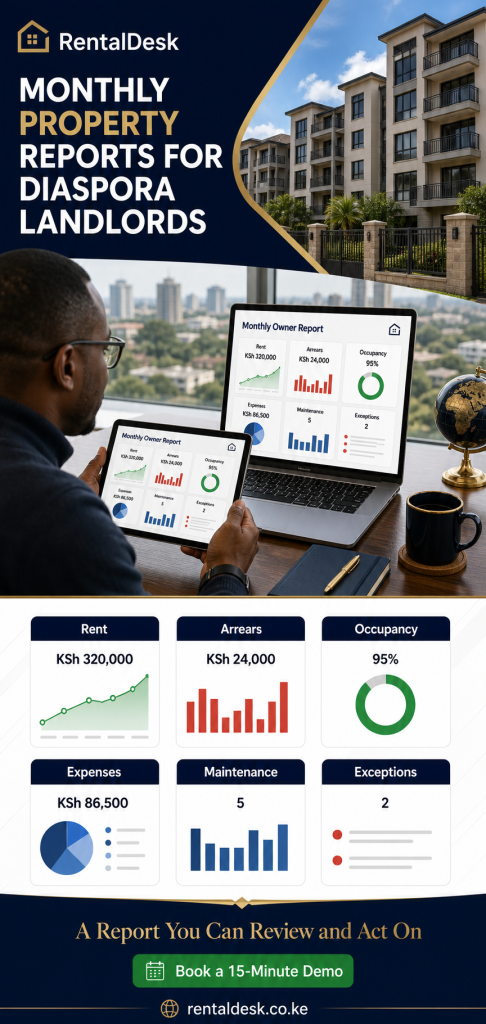
Monthly Property Reports for Diaspora Landlords: A Complete Kenya Reporting Guide
Monthly property reports for diaspora landlords should turn rental activity in Kenya into a clear, reviewable account of the period. An owner living abroad needs to know what was billed, what was collected, what remains outstanding, which units are occupied, what maintenance occurred, which expenses were recorded and what requires a decision. A single rent total or a folder of M-Pesa screenshots cannot answer those questions reliably.
A useful reporting pack begins with maintained operational records. Properties and units must be organised consistently. Tenants must be connected to the correct tenancies and charges. Payments must be recorded and reconciled. Maintenance and expenses must be entered with appropriate detail. The monthly report then summarises that work and identifies exceptions that remain unresolved.
This guide is for Kenyan diaspora owners, foreign owners with rental property in Kenya, developers retaining completed rental units and local managers who report to owners abroad. It explains the reports that matter, a practical month-end close, the questions owners should ask and the limits of software-generated information. RentalDesk supports the workflow, but owners and managers remain responsible for data quality, approvals, local operations and professional advice.
What is the purpose of a monthly property report?
A monthly property report creates a consistent record of rental operations for a defined period. It allows the owner and manager to review performance, investigate changes and agree on actions. For an owner abroad, it also provides a regular governance rhythm that does not depend on being awake during Kenyan business hours or asking for information one item at a time.
The report should answer four broad questions:
- What happened financially? What was billed, paid, outstanding and spent?
- What happened operationally? Which units changed occupancy, what maintenance occurred and what remains open?
- What needs attention? Which payment exceptions, arrears, vacancies, approvals or disputes require action?
- Can the figures be explained? Are supporting ledgers, receipts, expense records and source reconciliations available to authorised users?
RentalDesk helps organise properties, units, tenants, invoices, receipts, deposits, tenant ledgers, payments, maintenance, utilities, expenses and reports in a connected workflow. Owners can review the broader rental reports and accounting features when designing their monthly pack.
A report is a period record, not a live message stream
WhatsApp messages are useful for urgent communication, but they do not create a complete period record. A payment message may not show which charge was settled. A repair photo may not show approval or final cost. A vacancy update may not appear in the finance spreadsheet. Monthly reporting brings selected records together at an agreed cut-off.
A dashboard and a monthly report serve different purposes
A current owner-dashboard view shows summaries and operational exceptions. A monthly report covers a defined period and should follow a close process. Figures on a live dashboard can change when late information is entered; a reviewed report needs an explanation when it is later corrected.
The report should support decisions
Do not include a table merely because the software can generate it. Every section should help the owner understand performance, confirm control or make a decision. A concise pack with clear supporting schedules is more useful than fifty unexplained pages.
The recommended monthly reporting pack
The exact pack depends on portfolio size, ownership structure and management agreement. A ten-unit block does not need the same presentation as a multi-property portfolio. However, most diaspora landlord packs benefit from the following components.
- Owner summary and unresolved exception list.
- Property and unit overview.
- Rent roll for the period.
- Collections and reconciliation summary.
- Arrears report and material balance notes.
- Occupancy and vacancy report.
- Maintenance activity and open-request schedule.
- Expense report with material-item detail.
- Utility and service-charge report where applicable.
- Owner statement or agreed financial summary.
- Action list for the next period.
Supporting records such as tenant ledgers, invoices, receipts, deposit records and detailed transaction lists do not all have to appear in the main pack. They should be available to authorised users when a figure needs investigation. An owner portal for rental properties in Kenya can provide controlled access to that supporting detail.
Use a consistent order
Keep sections in the same order each month. Owners learn where to look and comparisons become faster. If a section does not apply, mark it not applicable rather than silently omitting it. If a report is incomplete, disclose the reason and expected resolution date.
State the reporting basis
The cover or summary should identify the property scope, reporting period, currency used in the operational records, preparation date and status. It should also state whether unresolved payment or expense items remain. Avoid presenting a provisional pack as final.
Separate facts, estimates and commentary
Recorded charges and payments are system facts according to the maintained data. A projected repair cost is an estimate. A manager’s explanation of vacancy is commentary. Label each clearly so the owner does not confuse a quotation with a paid expense or a forecast with collected rent.
The owner summary and exception page
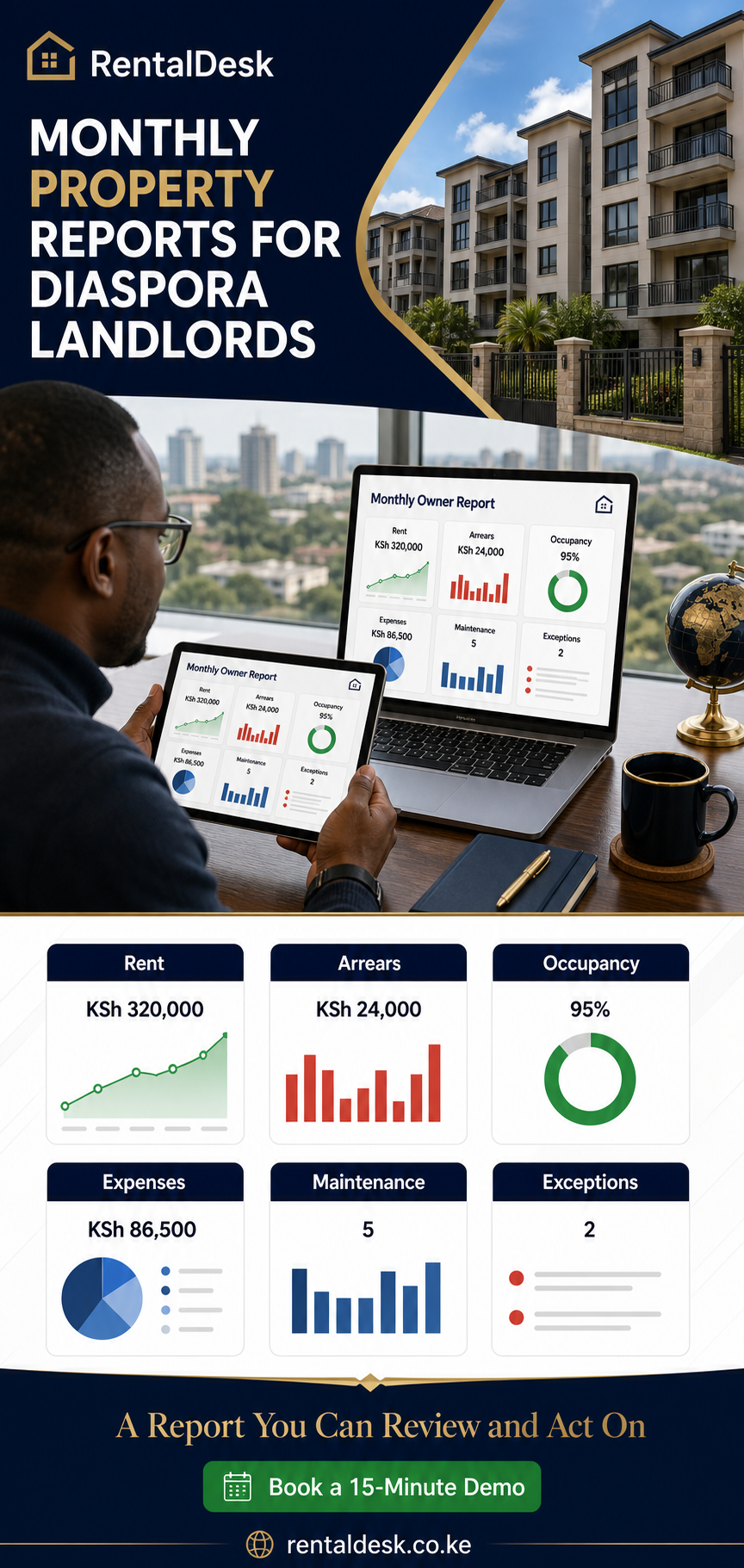
The first page should help the owner understand the month without hiding important problems. It can present selected indicators, changes from the prior period and a concise list of decisions. The exact metrics should be defined, not assumed.
Suggested summary indicators
- Total units in the authorised portfolio.
- Occupied and vacant units at the period end.
- Charges raised during the period, separated where necessary.
- Payments recorded and reconciled for the period.
- Outstanding tenant balances and material arrears.
- Recorded property expenses.
- Open maintenance requests and material jobs awaiting approval.
- Unmatched or disputed transactions requiring follow-up.
A summary should not invent a “net profit” label unless the organisation has agreed on which income and expense items are included. Operational property records may not include every financing, tax, depreciation, owner-level or external bank item needed for formal accounting.
Explain material movement
If collections declined, state whether vacancies, timing, unmatched transactions or arrears contributed. If expenses rose, identify the significant repair or service cost. If occupancy changed, list the units and status. The explanation should be factual and concise.
Maintain an exception register
An exception register can include the issue, property or tenant affected, amount where relevant, owner, next action and due date. Examples include an unmatched M-Pesa transaction, a disputed utility charge, an arrears payment plan awaiting confirmation or a repair quotation needing approval.
Do not remove an exception merely because it is uncomfortable. Close it when the issue has been resolved and the record updated. A transparent exception process builds more trust than a report that appears perfect but cannot be reconciled.
Rent roll, property structure and occupancy report
The rent roll is a core report because it links rentable units to tenancy and charge information. It helps the owner understand what should be billed and where occupancy or terms changed. The fields depend on policy, but may include property, unit, occupancy status, tenant or tenancy reference, rent and recurring charges.
Check the unit register before the rent roll
Inconsistent unit names create reporting errors. “B2,” “Block B Unit 2” and a tenant surname may all refer to the same home in different files. RentalDesk allows properties, blocks and units to be organised in a consistent hierarchy. Clean identifiers make payment matching, maintenance reporting and owner review easier.
Explain occupancy movement
The occupancy report should show occupied and vacant units and identify meaningful changes. A unit may be vacant because a tenant moved out, because repairs are underway, because it is reserved or because a developer has not yet released it for letting. The manager should provide context for material or prolonged vacancy.
Use dates consistently
Move-in, move-out and reporting dates influence occupancy results. Agree whether the report shows status at period end, average occupancy or another defined measure. Do not compare differently calculated percentages.
Check recurring charges
Rent rolls may include rent and approved recurring charges such as service charge, parking or security depending on the property. Review changes before billing. An incorrect recurring charge repeated across several months can create avoidable disputes and misleading arrears.
Connect vacancy to action
Each vacant unit should have an appropriate next step: inspection, repair, advertising, applicant processing or an approved hold. The monthly report does not need to run the entire leasing process, but it should make persistent inaction visible.
Collections and M-Pesa reconciliation report
For many Kenyan landlords, M-Pesa is central to rent collection. Monthly reporting must go beyond counting payment messages. The finance process needs to connect transactions to the correct tenant, unit and charge and identify anything that cannot be matched confidently.
RentalDesk supports configured M-Pesa workflows including Paybill, Till, STK and ZivoPay arrangements where applicable. Matching can improve efficiency, but partial payments, overpayments, wrong references and payments made by another person still require exception handling. The M-Pesa rent collection system page explains the broader workflow.
Define the collection period
State the start and end dates and whether the report is based on transaction date, posting date or another agreed field. A payment made late on the last day may appear in a source account before it is reviewed in the property system. The month-end process should explain cut-off items.
Separate received, allocated and reconciled
A transaction may be received but not yet allocated to a tenant. A payment may be allocated but still require confirmation during reconciliation. Define the stages used by the team. The owner should know how many and what value of items remain unresolved at close.
Report partial and overpayments correctly
A partial payment reduces a balance but does not settle the full charge. An overpayment may create a credit or be applied according to the configured process. The tenant ledger should show the treatment. Avoid labelling every tenant who sent money as fully paid.
Review unmatched payments
List material unmatched transactions, age and action owner. The local team may need to check references, contact the payer or review source records. Do not force an uncertain match simply to produce a clean report.
Compare with source records
Property software records should be reconciled with the relevant M-Pesa, bank or collection source according to the organisation’s controls. The software does not make external statements unnecessary. Differences, timing items and corrections should be documented.
Connect collections to receipts and ledgers
RentalDesk can support invoices, receipts and tenant ledgers. The monthly collection total should be explainable through those records. If a receipt was reversed or corrected, the audit trail and reporting treatment should preserve accountability.
Arrears report and tenant ledger review
An arrears report shows outstanding tenant balances according to recorded charges, payments and adjustments. It should identify the tenant and unit, amount, relevant period or ageing and follow-up status. One portfolio total is not sufficient for action.
Distinguish current balances from older arrears
A current-month balance may be a timing item. Older balances may require more urgent attention. Ageing groups help the manager prioritise, but they must be based on consistent dates and approved rules.
Check for reconciliation issues first
Before escalating arrears, confirm that recent payments are not sitting unmatched. A tenant should not receive an incorrect demand because the payer used a different reference or the finance team has not completed allocation.
Use tenant ledgers as supporting evidence
The ledger explains charges, payments, adjustments and the resulting balance over time. Owners do not need to inspect every ledger each month, but they should review material or disputed accounts and know that the supporting record exists.
Record follow-up status
For significant arrears, note whether the tenant was contacted, whether a payment plan exists and what next step is authorised. RentalDesk supports records and reports; the property team remains responsible for fair and lawful communication and action.
Avoid unsupported collection forecasts
An arrears amount is not automatically collectible cash. If the manager forecasts recovery, label it as a forecast and explain the basis. Do not present optimistic assumptions as recorded payments.
Expenses, maintenance and utility reporting
Rental income reporting without property costs is incomplete. The monthly pack should show recorded expenses, material changes and supporting information. It should also show maintenance activity because an open repair can affect future cost, tenant satisfaction and occupancy.
Expense categories
Use consistent categories appropriate to the property, such as repairs, cleaning, security, common-area utilities or approved management costs. Assign the expense to the correct property. Avoid using a broad “miscellaneous” category for material recurring amounts.
Material expense detail
For significant items, provide the date, property, supplier or description, approval status and recorded amount. Supporting quotations, invoices, receipts or completion evidence should be retained according to policy. The owner portal may provide access to selected records.
Maintenance activity
RentalDesk supports maintenance requests, photos where used, assignment, status, cost approvals and expense records. The monthly report can group requests by open, in progress, awaiting approval and completed. The detailed maintenance request management workflow helps teams define the stages.
A request is not the same as an approved cost, and an approved job is not the same as completed work. Keep the statuses distinct. Report long-open requests and explain barriers.
Owner approval thresholds
Diaspora owners and local managers should agree on spending authority. Routine low-value work may be approved locally within policy. Larger or unusual work may need owner review. Record the decision and avoid delaying urgent safety matters while waiting for a routine monthly meeting.
Utility and service charges
RentalDesk can support water, electricity, garbage, security, parking, service charges and shared bills according to setup. The utility billing system for rentals provides more detail. Monthly reporting should identify incomplete meter entries, disputed charges or unusual consumption where relevant.
Do not confuse operating records with tax accounts
Expense reports in property software organise recorded operational costs. They may not include depreciation, financing, owner-level costs or every item needed for statutory accounts. A qualified accountant should determine tax and financial-statement treatment.
Owner statement, rental income and cash context
An owner statement presents agreed property-related income and expense information for the owner. For agencies managing several owners, statements help separate each owner’s portfolio and reporting period. RentalDesk has a dedicated owner statements workflow.
Agree on the statement structure
Define opening balance, income categories, expense categories, adjustments, closing balance and any amount described as payable or carried forward. The meaning must match the management and payment arrangement. Do not assume every owner expects the same statement.
Distinguish income recorded from cash transferred
Rent collected in the property workflow is not automatically the same as money transferred to an owner’s personal bank account. Management fees, approved expenses, timing and payment routing may affect settlement. RentalDesk should not be described as providing automatic owner payouts unless a specific, confirmed arrangement supports that claim.
Keep source currency clear
Kenyan rental records are typically maintained in Kenyan shillings for local operations. A diaspora owner may convert figures mentally into pounds, US dollars, Canadian dollars, Australian dollars or UAE dirhams. Exchange rates and transfer charges can change. The property report should retain a clear source currency and avoid presenting an informal conversion as an accounting fact.
Explain adjustments
If an earlier error is corrected, identify the adjustment and period affected. Avoid silently changing a prior owner statement. The manager should maintain a traceable explanation, and the owner should acknowledge material corrections.
A practical month-end close for Kenyan rental property
A reliable report comes from a reliable close. The following sequence can be adapted to the size and complexity of the portfolio.
Step 1: confirm property and occupancy changes
Review move-ins, move-outs, unit transfers and vacancies. Confirm that tenancy dates and unit statuses are current. Check that new rent and recurring charges were approved and recorded correctly.
Step 2: review charges
Confirm rent, utilities, service charges, parking and other approved charges for the period. Investigate missing or duplicate billing. Keep adjustments documented.
Step 3: capture and reconcile payments
Ensure configured M-Pesa, bank and other payment records are complete for the period. Match transactions to tenant accounts where possible. Review partial payments, overpayments, incorrect references and unmatched items.
Step 4: verify receipts and tenant ledgers
Inspect selected receipts and material ledgers. Confirm that corrections follow the approved workflow. Check that the resulting balances make sense.
Step 5: review arrears
Generate the arrears schedule, confirm recent unmatched payments are not creating false balances and update follow-up notes. Identify material cases for the owner summary.
Step 6: record approved expenses
Enter completed and approved expenses with the correct property, category, date and supporting description. Separate unpaid quotations from recorded costs. Investigate unusual amounts.
Step 7: update maintenance
Close completed requests only when the work and relevant record are complete. Update open jobs, approvals and expected next steps. Link recorded costs according to the configured process.
Step 8: review utilities
Confirm readings or allocations where applicable, recurring charges and unresolved disputes. Check shared-bill treatment and missing entries.
Step 9: generate and compare reports
Prepare the rent roll, collections, reconciliation, arrears, occupancy, maintenance, expense, utility and owner reports. Compare key figures across schedules. A collections total that does not reconcile to receipts and source records needs investigation.
Step 10: prepare management commentary
Explain material changes, exceptions and decisions. Name the person responsible for each next action. Avoid vague notes such as “being followed up” without a date or owner.
Step 11: management review and owner delivery
An authorised manager should review the pack before it is sent. Deliver it on the agreed schedule through the approved channel or owner portal. Mark provisional items clearly.
Step 12: retain the reviewed record
Keep the report and supporting records according to organisational and professional requirements. If a material correction occurs, record the reason and communicate the revised information.
How a diaspora owner should review the monthly pack
The owner does not need to repeat every task performed by the manager. The purpose of review is to understand results, challenge unusual items and approve decisions within the agreed governance structure.
Start with scope and status
Confirm the correct properties, period and currency. Check whether the pack is final or provisional and whether unresolved payment or expense items remain.
Compare with the prior month
Review changes in occupancy, charges, collections, arrears, expenses and maintenance. Ask for explanations of material movement. Seasonal or one-time changes may be reasonable; unexplained changes require follow-up.
Trace one or two figures
Select a material collection, arrears or expense item and inspect the supporting record. This sample-based review helps confirm that reports connect to ledgers, receipts and approvals without requiring the owner to examine every transaction.
Review exceptions before headline totals
A seemingly strong collection total can coexist with old arrears or many unmatched payments. A low expense month can hide delayed maintenance. Exceptions reveal what the headline does not.
Separate urgent, approval and information items
Ask the manager to classify actions. Urgent matters need prompt handling. Approval items need a clear decision and deadline. Information items can be acknowledged without creating unnecessary work.
Record decisions
If the owner approves a repair, changes an authority limit or agrees to an arrears action, document the decision in the approved workflow. Decisions buried in a long call are easy to misremember.
Use a regular meeting agenda
A repeatable agenda makes remote meetings shorter and more useful: prior actions, collections, arrears, occupancy, maintenance, expenses, exceptions, approvals and next-month priorities. The portal and report become shared references.
Data quality, permissions, security and auditability
Reports are only as dependable as the underlying records and controls. RentalDesk supports role-based permissions and audit trails, while its security information describes HTTPS/TLS, validated payment callbacks, backup controls and monitoring. Buyers should review the security policy and trust information.
Assign responsibility for each record type
Decide who maintains units and tenancies, posts charges, reviews M-Pesa exceptions, records expenses, updates maintenance and prepares reports. Shared responsibility without ownership often means nobody completes the task.
Use role-based access
A caretaker, accountant, manager and owner do not need identical access. Configure individual accounts and limit permissions to the job. Review access when people change roles or leave.
Approve opening balances
When implementing the system, select an effective date and validate imported tenant balances. Keep source schedules. An inaccurate opening balance will continue affecting arrears and owner reports until corrected.
Document adjustments
Corrections should follow an authorised, traceable process. Deleting or overwriting history without explanation weakens confidence. Use audit information together with supporting evidence and management review.
Reconcile external sources
Compare relevant system records with M-Pesa, bank and supplier documents according to the organisation’s controls. Software integration reduces manual work but does not eliminate the need for review.
Protect tenant and owner information
Reports may contain personal and financial information. Deliver them through approved channels, limit access and avoid forwarding complete packs into broad chat groups. Obtain professional privacy guidance where required.
Recognise what audit trails do not promise
Audit trails support investigation and accountability. They do not guarantee there will never be an error, unauthorised act or missing external document. Combine system controls with segregation of duties, approvals and independent checks appropriate to risk.
How to choose monthly reporting software for diaspora landlords
Evaluate the full path from daily transaction to owner report. A polished sample report means little if the operating team must manually rebuild it from unrelated files.
Ask for a real month-end scenario
Use sample properties and tenants. Raise rent and utility charges. Record full, partial and overpayments. Add one unmatched M-Pesa transaction, an expense and a maintenance request. Then generate reports and trace the figures.
Test core reports
Request rent roll, collections, payment reconciliation, arrears, tenant ledger, invoices, receipts, deposits, expenses, utilities, occupancy and owner statements where relevant. Confirm the definitions and date filters.
Test multi-property and multi-owner separation
Verify that the system can consolidate the correct portfolio while keeping different owners’ information separate. Ask how shared properties or several owner representatives are handled.
Test exceptions
Show a wrong payment reference and a late expense. Observe whether the software makes the unresolved status visible. A system designed only for perfect data will struggle in real operations.
Test owner access
Log in as an owner, not only as an administrator. Confirm what the owner can view, what can be downloaded and what remains restricted. Check how access is removed.
Understand implementation
Ask how properties, units, tenants, rent schedules and opening balances are imported. Establish who validates the first close and trains the team. A good rollout includes data preparation and process ownership.
Confirm current plan details
Review the current RentalDesk pricing page and confirm the plan that fits unit count, users and required workflows. Pricing and inclusions can change, so do not rely on an old blog figure.
Common monthly reporting mistakes
Reporting only money received
Collections alone do not show charges, arrears, occupancy, expenses or maintenance. Use a balanced pack.
Counting unmatched transactions as resolved rent
Money may have been received but not yet connected to the correct tenant. Disclose and resolve exceptions.
Sending reports before closing records
If charges, payments or expenses are incomplete, mark the report provisional. Do not present unstable totals as reviewed results.
Mixing deposits with rental income
Deposits and rent have different purposes and may require separate treatment. Keep records and reports clear and obtain accounting advice.
Using inconsistent unit names
Unit naming differences lead to duplicate or missing records. Maintain one property hierarchy.
Hiding old arrears in a single total
Age balances and identify material tenants. A total without detail cannot guide follow-up.
Reporting quotations as expenses
A quotation is an estimate, not necessarily an approved or paid cost. Label stages accurately.
Converting all records into the owner’s home currency
Keep the Kenyan source record clear. Currency conversions can be provided separately with the rate and date stated where appropriate.
Assuming software replaces review
Automation improves consistency, but managers still review exceptions and owners still ask questions. Controls remain essential.
Frequently asked questions
What should monthly property reports for diaspora landlords include?
A practical pack includes an owner summary, rent roll, collections and reconciliation, arrears, occupancy, maintenance, expenses, utilities where applicable, owner statement and unresolved action list.
Can RentalDesk report M-Pesa rent?
RentalDesk supports configured M-Pesa collection and reconciliation workflows. Transactions with correct information can be matched more efficiently, while partial, overpaid or unmatched items may require human review.
Is a monthly owner statement the same as a bank statement?
No. The owner statement organises property records for the agreed period. Bank and M-Pesa statements are external source records used in reconciliation and remain important.
Can a landlord in the UK, USA, Canada, Australia or UAE review reports online?
Yes. An authorised owner can review configured cloud-based records from abroad. Reliable internet access and correct permissions are required. Physical property tasks still need local support.
How soon after month-end should the report be sent?
The owner and manager should agree on a realistic schedule based on transaction volume and controls. A slightly later reconciled report is generally more useful than an immediate report with unexplained gaps.
Should the owner receive every tenant ledger?
Not necessarily. The main pack can summarise results, while authorised owners access or request ledgers for material, disputed or sampled accounts. Privacy and role scope should be considered.
Can RentalDesk prepare tax returns?
RentalDesk organises rental operational records and reports. It does not replace a qualified accountant or tax adviser and should not be presented as providing legal or tax advice.
What happens when a report is corrected later?
The reason, amount and affected period should be documented and communicated. Preserve a traceable record rather than silently replacing prior information.
Can several properties appear in one owner report?
RentalDesk supports multi-property operations. Confirm during setup whether the owner needs consolidated, property-by-property or both views.
How are maintenance costs controlled?
The team should use requests, assignment, approval thresholds, completion status and expense records. Software supports the workflow; the owner and manager define authority and verify physical work.
Do monthly reports prevent fraud?
No report guarantees fraud prevention. Structured records, permissions, audit trails, reconciliation and review improve accountability, but organisations still need appropriate controls and independent checks.
What should an owner prepare for a RentalDesk demo?
Bring property and unit counts, a sample rent roll, payment methods, common exceptions, staff roles, expense categories and the current owner report. Ask the team to demonstrate one complete month from charge to statement.
Make the monthly report a management tool
Monthly property reports for diaspora landlords are not only an administrative task. They create a regular moment to confirm records, understand property performance, identify risk and make decisions. When the pack follows a consistent structure, the owner spends less time searching for information and more time addressing the issues that matter.
RentalDesk provides the connected rental workflow behind the report: properties and units, tenants and charges, payments and reconciliation, ledgers and receipts, maintenance and expenses, utilities and owner reporting. The owner and local team provide the operating discipline—accurate data, clear roles, timely review and documented action.
Book a RentalDesk demonstration to review your monthly close, M-Pesa exceptions and reporting requirements for Kenyan rental property.