Safer digital work for on-site property teams
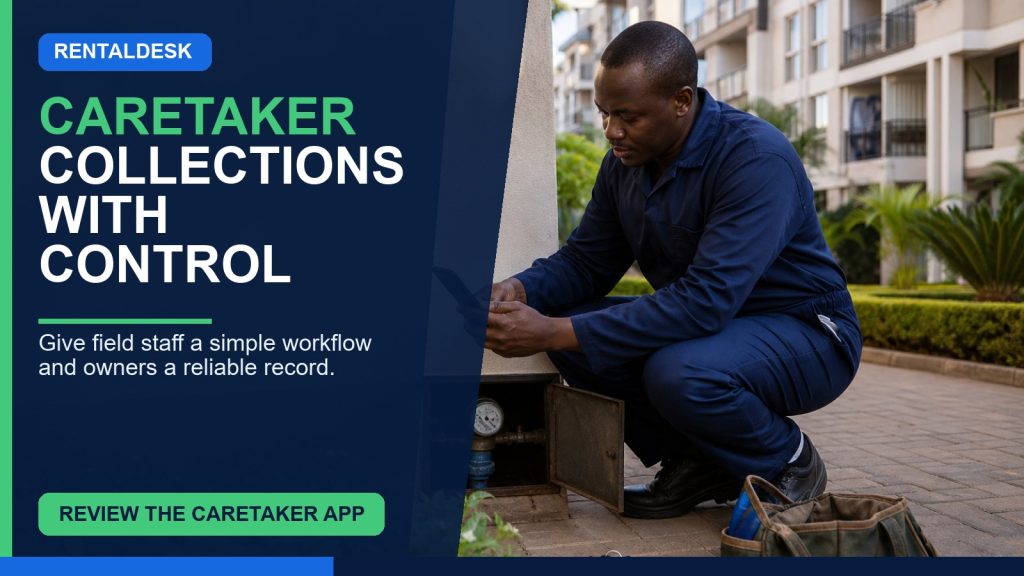
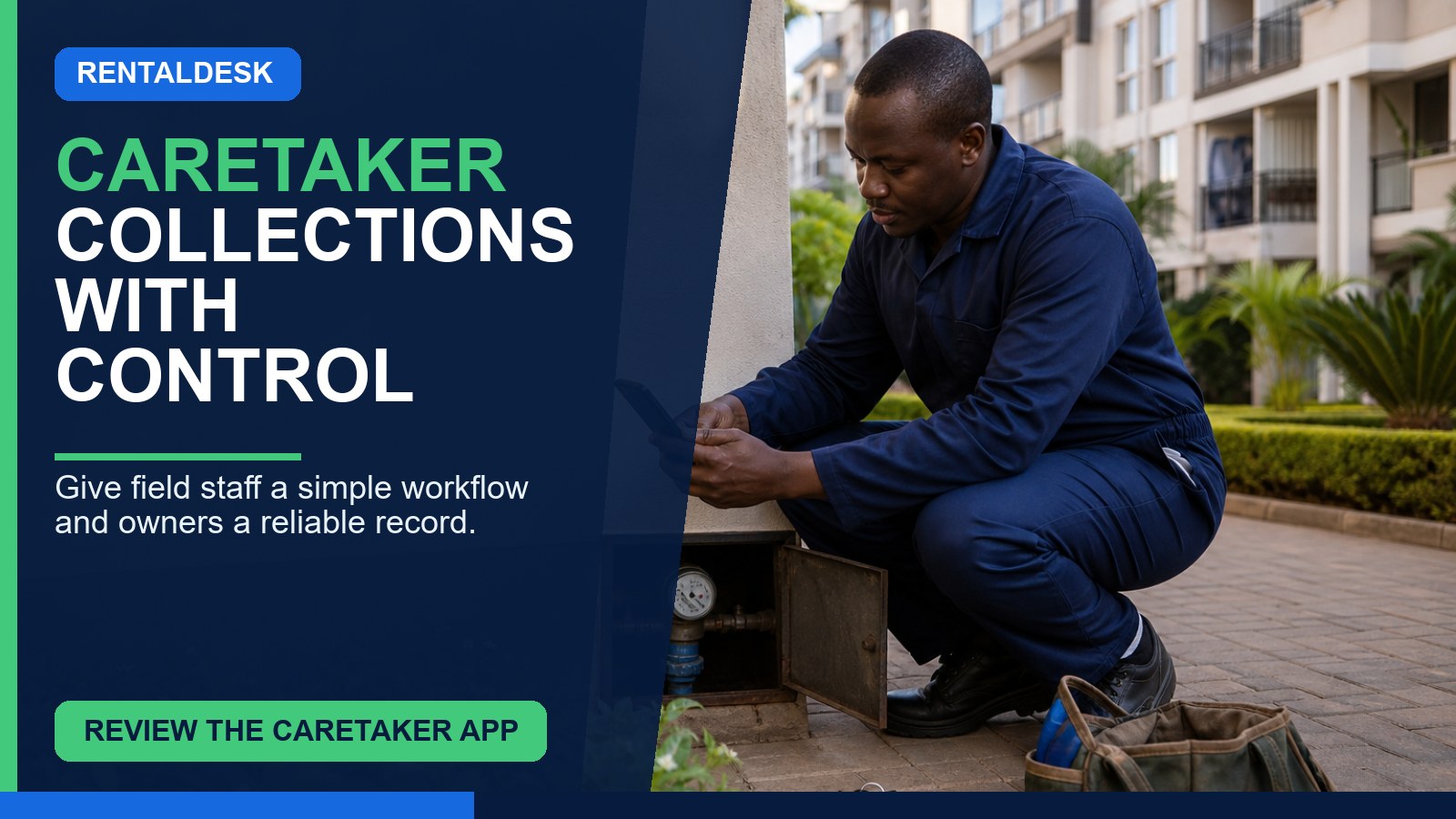
A caretaker property management app Kenya rental teams can use every day should help the person on site record facts and complete assigned work without exposing sensitive owner or finance information. Caretakers often know first when a tenant moves, a meter changes, a pipe leaks, a unit becomes vacant or a payment reference needs clarification. Yet many agencies still collect that knowledge through calls, notebooks and WhatsApp messages that never become dependable property records.
The solution is not to give every caretaker an administrator password. It is to design a narrow mobile workspace around assigned properties, clear tasks, evidence capture and review. This guide explains which caretaker workflows deserve digitisation, how role permissions should work, how managers can verify field information and how to measure whether the app actually improves accountability.
The caretaker information gap
A caretaker is often the closest person to daily rental activity but the furthest from the official system. Finance works from invoices and receipts. Property managers work from owner reports and task lists. The caretaker works from what happened at the gate, corridor, meter room and vacant unit. When those views are not connected, every team member believes a different version of the property.
For example, a tenant may tell the caretaker that rent was paid from a relative’s phone. The caretaker forwards a screenshot to the manager. Finance cannot match it because the reference is incomplete. The tenant is still shown in arrears, and another reminder is sent. The problem is not lack of effort. It is an informal handoff with no assigned exception, status or reliable link to the tenant account.
Similar gaps affect maintenance and occupancy. A repair is mentioned during a call but receives no ticket. A unit is reported vacant but keys have not been verified. Meter readings arrive as photographs without unit identifiers. A caretaker app should convert each field observation into a structured, reviewable event while keeping financial decisions with authorised staff.
What caretakers should be able to do
Access should follow actual responsibilities. A caretaker assigned to a building may need to view unit numbers, occupant names needed for service, current work orders and a limited follow-up list. They may need to record readings, inspection evidence, key movements, maintenance findings, visitor or incident information where part of the property process, and tenant messages requiring escalation.
- View only assigned properties, blocks and units.
- See task summaries and due dates relevant to on-site work.
- Capture water or electricity readings with meter identifiers and photographs.
- Open maintenance reports with category, priority, description and evidence.
- Update permitted stages such as “visited,” “contractor arrived” or “work appears complete.”
- Record move-in or move-out checklist items, keys and condition evidence where authorised.
- Submit occupancy-change requests for manager verification.
- Escalate a tenant payment-reference issue without posting or reallocating money.
- Add factual notes to assigned follow-up tasks.
The app should show when an item has been submitted and who now owns the next action. Otherwise, caretakers continue calling managers to confirm whether anything happened.
What caretakers should normally not be able to do
Field access becomes risky when convenience overrides separation of duties. Unless a carefully approved role requires it, caretakers should not change posted rent, approve refunds, edit owner banking information, delete receipts, reallocate M-Pesa transactions, change management fees, publish landlord statements or view unrelated properties.
Even when a caretaker collects cash under an authorised process, recording receipt of money is different from reconciling and approving the financial entry. The workflow should capture payer, amount, reason, time, acknowledgement and handover details, then route the item to finance. Cash handling should follow the organisation’s controls; software should not normalise undocumented collections.
RentalDesk’s role-based access and approvals and audit pages provide a useful basis for testing boundaries. Ask the presenter to sign in as a caretaker and prove what the user cannot see or change, not only what the user can do.
Caretaker workflows worth digitising first
Meter readings
Each reading should identify the property, unit or service account, meter number, date, reading, unit of measure and submitting user. An image should show both the digits and enough context to identify the correct meter. Unusual readings need a review state rather than automatic acceptance. The caretaker submits field data; an authorised reviewer validates it before billing.
Maintenance reporting
A report should identify location, category, description, urgency and evidence. It then becomes a tracked ticket with an owner and due date. The caretaker may confirm access or upload completion photographs, but quotation approval, purchasing and payment can remain with management. RentalDesk’s maintenance request workflow is an important demonstration route.
Occupancy and keys
A caretaker can report that a unit appears vacant or that keys were returned, but the system should require manager confirmation before ending a tenancy or changing rent billing. Key counts, handover evidence and meter readings help the reviewer make the change correctly.
Rent follow-up notes
If the caretaker helps with tenant communication, the app should present an authorised list based on current ledger status. Notes such as “tenant says payment came from spouse’s number; reference requested” are more useful than maintaining a separate arrears notebook. The caretaker should not mark the account paid merely because a screenshot was shown.
M-Pesa exceptions without giving caretakers finance control
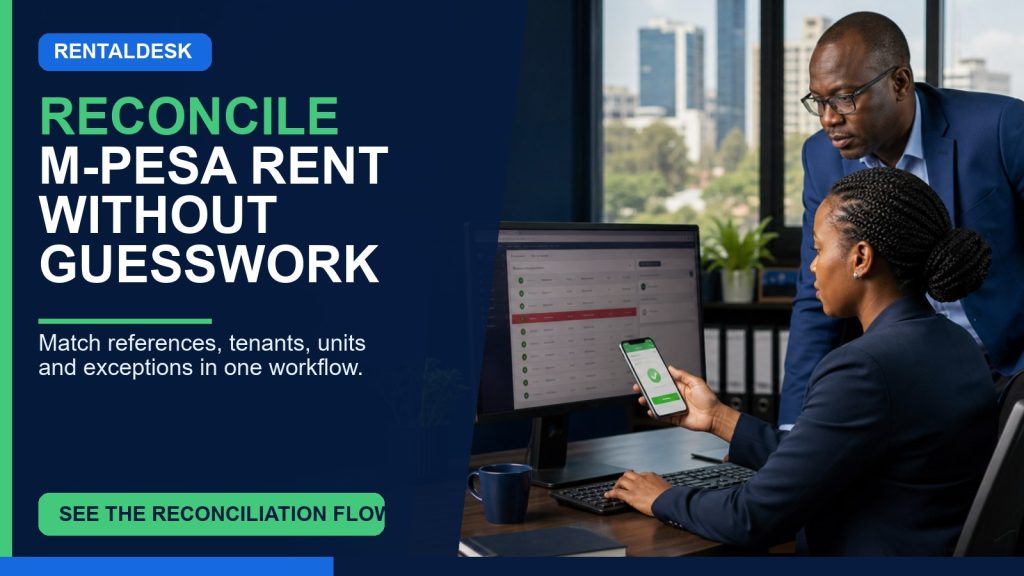
Mobile money is convenient for tenants, but reference problems often reach the caretaker first. A tenant may use a different phone, enter a wrong account, split rent into several transactions or provide a screenshot that finance has not matched. The app should let the caretaker raise an exception linked to the tenant or unit, capture the claimed amount and reference, and attach the tenant’s evidence where appropriate.
Finance should receive the exception in a reconciliation queue. It can compare the claim with incoming transactions, identify duplicates or reversals, match the payment and post it through the authorised workflow. The caretaker sees a safe outcome such as “under review” or “resolved” without access to the broader bank or M-Pesa account.
This division reduces repeated calls and prevents field staff from making ledger corrections they are not equipped to verify. It also protects tenants from being chased after a legitimate payment is resolved. The RentalDesk M-Pesa reconciliation guide explains the wider exception process that should sit behind the caretaker-facing handoff.
Mobile design requirements for real property sites
A caretaker interface should be usable on an ordinary smartphone. Tasks need clear labels, large touch targets, minimal typing and visible submission states. Forms should preselect the assigned property where possible to reduce mapping mistakes. Photographs should be compressed appropriately without making evidence unreadable. The app should explain errors in plain language.
Connectivity varies by building and location. Ask what happens if the connection drops during a reading or image upload. If offline capture is available, verify how conflicts and duplicate submissions are handled. If it is not available, define a safe fallback and do not promise offline operation. The team must know whether “saved” means stored on the device, uploaded to the server or approved by a manager.
Language and training matter. Short, familiar labels and examples can reduce errors. Where a team needs Kiswahili assistance, decide whether the actual interface, training material or support process provides it; do not assume translation exists. The aim is confidence in a small number of repeated tasks, not exposure to every module.
Evidence standards that make caretaker reports useful
Evidence should answer four questions: what happened, where, when and who recorded it. A photograph of a leaking ceiling without property, unit or date is difficult to use. A note saying “fixed” does not explain who repaired it or what was checked. Templates should encourage factual descriptions and require the minimum context needed for review.
Before-and-after images should link to the same maintenance item. Meter photographs should show an identifier. Key handovers should record count and recipient. Occupancy requests should state the observed event and attach appropriate documents rather than making assumptions. Managers should return incomplete submissions with a clear reason.
Do not collect more personal data than needed. Keep tenant documents and inspection photographs under controlled access. Define retention and device-handling practices, especially when caretakers use personal phones. A good app centralises official evidence so it does not remain indefinitely in personal galleries and chats.
How managers should review caretaker activity
Accountability is not achieved by monitoring every tap. It comes from clear assignments, deadlines, evidence and exceptions. A manager dashboard should show overdue readings, open maintenance issues, inspections awaiting review, occupancy changes awaiting confirmation and payment queries waiting for finance. Each item needs an owner and next action.
Review quality as well as volume. Ten submitted photographs are not useful if none identifies the unit. A hundred closed tasks are not a success if issues reopen. Useful measures include first-time-complete submissions, average time to review, tasks returned for missing information, maintenance resolution time and mismatches between reported and confirmed occupancy.
Use coaching rather than silent correction. When a manager fixes a unit mapping or missing reading without telling the caretaker, the error repeats. A returned task should explain what is needed. The audit trail then shows both the initial report and the resolved record without erasing history.
Hold a short weekly exception review during the pilot. Compare caretaker submissions with finance, maintenance and occupancy records, then agree which gaps came from training, unclear forms or missing permissions. This review keeps the app aligned with real building work and prevents staff from rebuilding unofficial parallel trackers when a task feels difficult.
Implementation plan for caretaker access
- Map responsibilities. Interview caretakers and managers to identify repeated field tasks and risky informal handoffs.
- Choose three starting workflows. Maintenance, meter readings and occupancy evidence often provide a focused pilot.
- Build the least-privilege role. Assign properties and permitted actions; block sensitive finance and owner records.
- Create evidence templates. Define required identifiers, notes, photographs and review rules.
- Test on real devices. Use the phones, browsers and connectivity conditions caretakers actually have.
- Train with scenarios. Practise a leak, unusual meter reading, key handover and unmatched M-Pesa claim.
- Pilot one or two buildings. Review submissions daily and fix confusing labels or permission gaps.
- Measure quality. Compare missing information, response time and repeated calls before and after the pilot.
- Expand carefully. Add properties and tasks only after the review process is stable.
Do not use a shared caretaker account. Individual identities are necessary for audit, support and access removal. If staff change, disable the user while preserving submitted records.
Questions to ask during a live caretaker-app demonstration
Begin with a restricted caretaker user assigned to one property. Ask the presenter to submit a water reading, open a maintenance issue, report a possible move-out and raise an unmatched payment query. Then switch to manager and finance roles to show how each item is reviewed. Finally, return to the caretaker view and show safe status updates.
- Can the caretaker see any property not assigned to them?
- Can they view owner payouts, banking details or complete financial reports?
- Can they edit or delete a submitted reading after review?
- What happens when a photograph fails to upload?
- Can a maintenance finding be traced through approval and completion?
- Does a payment query enter a finance-controlled reconciliation queue?
- How quickly can access be removed from a former staff member?
- Does the audit history preserve every important change?
A strong demonstration proves safe limitations. If the only available choice is “full admin” or “no access,” the workflow is not ready for field-team deployment.
Frequently asked questions
What is a caretaker property management app?
It is a focused mobile workspace that lets authorised on-site staff complete assigned property tasks, capture evidence and communicate exceptions while managers retain review and financial control.
Can caretakers collect rent through the app?
That depends on the organisation’s authorised collection process. Recording a claim or cash handover is not the same as reconciling and posting rent. Sensitive financial actions should stay controlled.
Can the caretaker see landlord statements?
Usually they do not need full owner financial reports. Permissions should expose only information required for the caretaker’s assigned work.
Can caretakers upload property photographs?
Yes, where authorised. Images should be attached to the correct inspection, reading or maintenance record and protected under appropriate access and retention rules.
What if the property has poor internet connectivity?
Test the actual mobile workflow. Confirm whether offline or retry behaviour exists and establish a safe fallback. Do not assume offline support without verifying it.
How does a caretaker report an unmatched M-Pesa payment?
The safest process is to submit the claimed reference and context to a finance-controlled reconciliation queue. The caretaker should not change the tenant ledger directly.
Is RentalDesk suitable for property agencies with many caretakers?
RentalDesk supports property, role, maintenance, utility and reconciliation workflows. Ask for a configured demonstration showing multiple limited users assigned to different properties.
See a limited caretaker role in action
Request a RentalDesk demonstration and insist on seeing the system from the caretaker’s phone—not only from the administrator dashboard. Test one complete field journey from assigned task to evidence, manager review and final outcome. Review the wider RentalDesk feature suite and confirm access, connectivity, device and workflow requirements for your portfolio. A caretaker property management app creates value when on-site facts become timely, reviewable actions without weakening financial control.