
A property supplier register gives a rental team a clear place to identify the businesses and contractors used for approved work. It helps staff find the correct contact, understand the service provided, and connect a quote or invoice with the right supplier. Without a maintained register, an office can accumulate several names and phone numbers for the same provider while losing the context behind earlier jobs.
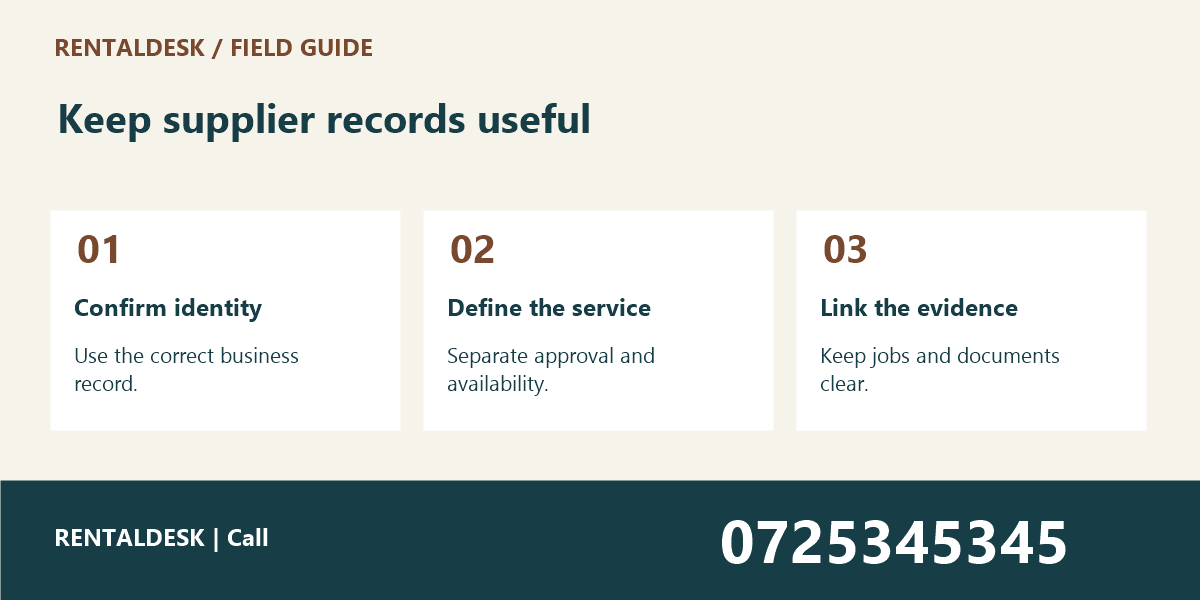
This guide explains seven practical fields for Kenyan property teams. The register supports administration; it does not replace supplier assessment, professional qualification checks, or payment controls. For help discussing organised rental workflows, explore RentalDesk or call 0725345345.
1. Property Supplier Register: Record the supplier’s confirmed business identity
Use the business name shown on the relevant approved documents, and distinguish it from an informal nickname. A caretaker may know a technician by a first name, while the invoice comes from a registered business. Record the relationship clearly so that the office does not create two unrelated supplier records for the same working arrangement.
Give the supplier a stable internal reference where your system supports one. This reference can connect jobs, quotes, invoices, and contact records without relying on spelling alone. Do not use a phone number as the only identifier because contact details may change.
Check for an existing record before adding a new supplier. Similar names do not automatically prove a duplicate, and different trading descriptions do not automatically prove separate businesses. Review the supporting information through your normal process before merging or replacing records.
A property supplier register should distinguish confirmed facts from information awaiting review. If the business identity is incomplete, mark the record appropriately and assign the next step. Avoid filling missing fields with assumptions simply to make the entry look ready for use.
2. Property Supplier Register: Describe the actual service and working area
Record the services the supplier is approved or engaged to provide within your organisation’s process. A broad label such as “maintenance” may be too vague when staff need to know whether the provider handles cleaning, plumbing, painting, or a specialised inspection. Use descriptions that support real job allocation.
Keep capability claims grounded in the assessment your team has actually completed. Do not describe a supplier as qualified for specialist work merely because they previously handled an unrelated repair. Where credentials or other checks are required, use the appropriate review process and retain the relevant evidence securely.
Note the practical service area and any confirmed constraints. A supplier who normally works near one property may not be available for a distant building at short notice. Record what has been confirmed directly rather than promising coverage based on an old conversation or a website headline.
If your team explores providers or products through JAAT, treat listings as a starting point for enquiry. The property supplier register should record the actual supplier selected and the checks completed. A marketplace appearance is not a substitute for your own approval process or proof of completed work.
3. Property Supplier Register: Keep contact details current and purpose-specific
Separate the main office contact from the person attending a particular job when they are different. A scheduling number, invoice email, and emergency contact may serve different purposes. Clear labels reduce the chance that a payment query is sent to someone who only coordinates site visits.
Verify changes through your established process before using a new destination for sensitive information or payment instructions. A message announcing a new account or contact should not automatically overwrite the approved record. Keep financial-detail changes under the appropriate controls rather than treating them as routine spelling edits.
Record the date a contact was confirmed and the responsible staff member where useful. This helps the next colleague understand whether the information is current. Avoid copying unnecessary personal details into a general supplier note that many staff can access.
The property supplier register should remain the agreed source. Personal phone address books can support calling, but they should not become the only record of who a supplier is or how the office should contact them. Direct colleagues back to the controlled record when details change.
4. Property Supplier Register: Link jobs and supporting documents
Connect the supplier with the relevant maintenance or service references. This lets staff review what work was requested and what evidence was provided without searching through unrelated message threads. Keep each job’s scope and outcome in its own record rather than placing every detail in the supplier profile.
The repair completion evidence guide explains why attendance, completion, and verification should remain distinct. A supplier record can point to that evidence, but it should not turn an invoice or a visit into an automatic statement that the work was satisfactory.
Use consistent document naming and storage. The property document naming guide shows how stable references, dates, and versions make retrieval easier. A quote labelled only “new price” is difficult to connect to the correct supplier and job months later.
Preserve meaningful external references such as a quote or invoice number. They help reconcile the supplier’s document with your internal job. Avoid replacing those references with a generic filename that forces staff to open several attachments to identify the one under discussion.
5. Property Supplier Register: Distinguish approval status from availability
An approved supplier may be unavailable for a particular date, and an available supplier may not yet have completed your approval process. Keep those facts separate. A property supplier register should not encourage staff to bypass a review simply because someone can attend quickly.
Use clear status definitions such as “under review,” “approved for specified work,” or “inactive,” according to your organisation’s process. Do not invent a formal accreditation label that the supplier does not hold. Internal status should describe your own administrative position accurately.
Record restrictions or conditions in a factual, proportionate way. For example, a supplier may require advance scheduling or may be engaged only for a particular type of work. Avoid subjective accusations or unsupported reputational claims in a widely accessible note. Escalate serious concerns through the appropriate management process.
If a supplier is temporarily unavailable, record the relevant date or review point instead of deleting their history. Historic jobs may still need to be understood. The current availability field and the retained work record serve different purposes and should not be confused.
6. Property Supplier Register: Keep commercial documents under the right controls
The register can identify where approved commercial documents are stored, but it should not replace your purchasing and payment procedures. Quotes, orders, invoices, and payment instructions may each require different checks. Keep the person reviewing a job outcome distinct from any separate approval required to pay for it.
Do not copy private bank details or sensitive documents into a broad staff contact list unless the role and process require that access. Use the approved storage and permissions for financial information. A convenient single spreadsheet can become inappropriate if it combines information intended for very different audiences.
When comparing a new quote with earlier work, check the scope and date. Similar totals do not prove that the same service is being offered. Materials, locations, and required checks may differ. The property supplier register helps locate the evidence, while the responsible reviewer assesses the actual proposal.
For organisations using separate business systems, such as Vega for retail operations or TAS for chama administration, clarify which system owns each record. Do not assume that adding a supplier in one service automatically updates another. Confirm any real integration with the responsible provider.
7. Property Supplier Register: Review the register when circumstances change
Update the supplier record when contacts, services, approval status, or working arrangements change. Assign one role to maintain the source and explain how colleagues submit corrections. Without ownership, a register can remain technically available while its information becomes less reliable each month.
Review inactive or duplicate records through an agreed process. Do not remove history needed to understand earlier jobs merely to shorten the list. Where records are merged, preserve the references required for traceability and check that linked documents still point to the correct supplier.
Ask a colleague to use the property supplier register for a realistic task: find the approved contact for a particular service at a named property. If they must call the original coordinator to interpret the entry, improve the missing field. Practical retrieval is a better test than the number of columns in the table.
If a custom workflow is required, Zama describes business-system development services. Discuss permissions, approval stages, duplicate handling, and document links as requirements. A new form does not solve unclear responsibilities unless the working process is defined too.
A practical property supplier register template
Start with supplier reference, confirmed name, service category, approved scope, working area, scheduling contact, document contact, status, relevant review date, linked jobs, document location, responsible reviewer, and notes requiring follow-up. Keep sensitive financial information in the appropriate controlled process rather than adding it by default.
Use fictional records to test the template. One example might be a cleaning business approved for routine common-area work at two buildings. Another might be a specialist whose documents are still under review. A colleague should be able to distinguish those statuses without treating both as ready for immediate assignment.
Do not make every field mandatory if staff cannot reasonably confirm it at the same stage. A staged record can show what is known and what must happen next. The key is to prevent an incomplete entry from being mistaken for a completed approval.
Property Supplier Register: Handle a supplier change without losing the trail
Suppose a familiar contact moves to a different business. Do not simply replace the old company name on historic jobs. Confirm the new relationship, create or update the appropriate current record, and retain the identity attached to earlier documents. Otherwise, past invoices may appear to belong to a supplier that did not issue them.
Similarly, a new phone number should be confirmed through the established process and dated in the record. Staff should know which contact is current while retaining whatever history your policy requires. A property supplier register should make change understandable rather than erase the path that led to the current arrangement.
For a supplier no longer used, record the appropriate inactive status and route new work elsewhere through the approved process. Keep the historical job links accessible to authorised reviewers. Inactivity does not mean earlier work, documents, or outstanding questions have ceased to matter.
Property Supplier Register: Frequently asked questions
Is a property supplier register an approved supplier list?
Only if your organisation defines and maintains it that way. A contact list alone does not establish that a supplier has passed the required assessment. Make the status and its meaning explicit so that staff do not infer approval from mere inclusion.
Should every staff member see every field?
Access should match responsibilities and the information involved. A caretaker arranging a visit may need scheduling details without needing private commercial documents. Follow your organisation’s access and data-handling procedures when designing the record.
How often should the property supplier register be checked?
Update it when a meaningful change occurs and review it periodically according to the pace of your operation. Prioritise records used frequently and entries with unresolved information. The goal is a reliable working list, not a review date added without checking the details.
Property Supplier Register: Check a supplier before assigning new work
Before assigning a new job, confirm that the supplier record still describes the intended business and service. Review any relevant conditions or unresolved assessment items. A familiar name can make staff skip this check, especially when a contractor has worked at the property for years.
Ask whether the current contact is arranging the work on behalf of the same business shown in the approved record. If that relationship has changed, resolve it through the appropriate process before attaching new documents to the old identity. Keep historic records connected to the supplier that actually issued them.
This review should be targeted and practical. It is not a reason to request every document again for every ordinary visit. Use the established review dates and requirements, and escalate a specific uncertainty when the information no longer matches the proposed work.
What belongs in a property supplier register handover?
Include the confirmed business, approved scope, current contacts, linked jobs, review status, and unresolved checks. Keep the property supplier register record in the agreed location and make the next action clear to the incoming colleague. Resolve missing context before responsibility changes.
Property Supplier Register: Keep supplier information useful to the next colleague
A property supplier register works when identity, service, contact, status, and supporting records agree. Keep changes traceable and approvals separate from availability. To discuss a practical rental administration workflow with RentalDesk, call 0725345345.