RentalDesk Demo – See the Future of Property Management in Action

If you’re searching for a RentalDesk demo, you’re likely looking to explore how this powerful property management solution can transform the way you manage rentals. Whether you are a landlord, property manager, or real estate investor in Kenya or beyond, a RentalDesk demo gives you a firsthand look at how the platform simplifies operations, increases efficiency, and boosts profitability.
This guide explains what to expect from a RentalDesk demo, its key features, and why booking one is the smartest step before choosing a property management system.
What Is a RentalDesk Demo?
A RentalDesk demo is a guided walkthrough of the RentalDesk property management software. It allows you to:
-
Explore the dashboard interface
-
Test core features
-
Understand automation tools
-
See reporting and analytics capabilities
-
Ask questions specific to your property needs
Instead of guessing whether the software fits your business, the demo gives you a clear, practical experience.
Why Request a RentalDesk Demo?
1. Experience the Dashboard in Real Time
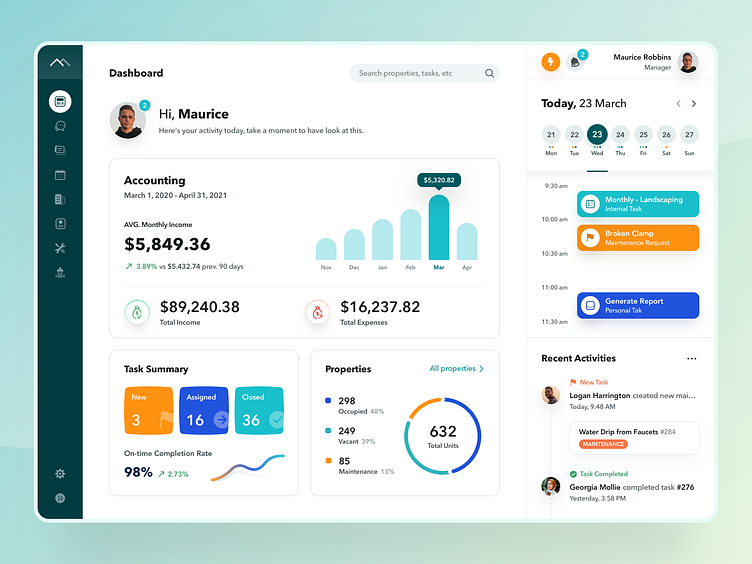
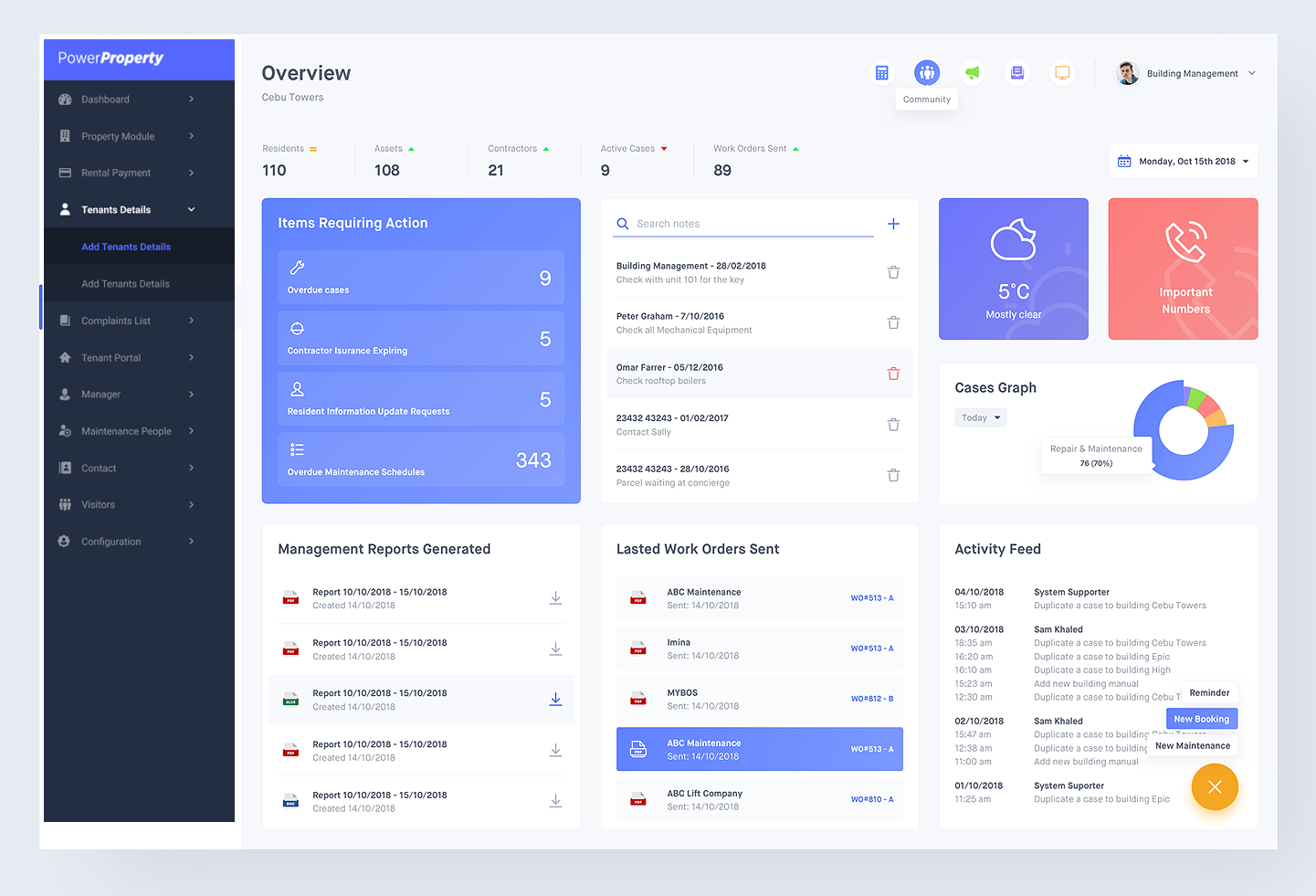
During the RentalDesk demo, you’ll see how the system organizes:
-
Tenant profiles
-
Lease agreements
-
Payment tracking
-
Maintenance requests
-
Vacancy management
The clean interface ensures you can access critical information in seconds.
2. Automated Rent Collection
One of the most requested features during a RentalDesk demo is automated rent tracking. You can see how the system:
-
Generates invoices
-
Tracks payments
-
Sends reminders
-
Records outstanding balances
This reduces manual work and minimizes late payments.
3. Tenant & Lease Management
The RentalDesk demo showcases how easy it is to:
-
Add new tenants
-
Upload lease documents
-
Track lease expiry dates
-
Monitor tenant payment history
Everything is centralized, reducing paperwork and confusion.
4. Maintenance Request Tracking
Property maintenance is one of the biggest challenges for landlords. In the RentalDesk demo, you’ll see how tenants can:
-
Submit maintenance requests
-
Track request status
-
Receive updates
Property managers can assign tasks and monitor completion from the dashboard.
5. Financial Reporting & Analytics
The RentalDesk demo also highlights powerful reporting tools, including:
-
Income reports
-
Expense tracking
-
Occupancy rates
-
Property performance summaries
These reports help you make data-driven decisions.
Who Should Book a RentalDesk Demo?
A RentalDesk demo is ideal for:
-
Individual landlords managing multiple units
-
Real estate agencies
-
Property management companies
-
Housing estate administrators
-
Commercial property managers
If you want to improve efficiency and reduce administrative workload, the demo is for you.
What to Expect During a RentalDesk Demo
When you request a RentalDesk demo, you typically get:
-
A live walkthrough session
-
Explanation of core features
-
Customization options discussion
-
Pricing overview
-
Q&A session
Some providers also offer trial access after the demo.
Benefits of Trying the RentalDesk Demo Before Buying
Booking a RentalDesk demo helps you:
-
Avoid investing in the wrong software
-
Understand how it integrates into your workflow
-
Identify time-saving features
-
Compare it with other rental management systems
A demo ensures you make an informed decision.
RentalDesk Demo for Property Managers in Kenya
For landlords and property managers in Kenya, the RentalDesk demo demonstrates how the system supports:
-
Local rental payment methods
-
Multi-property management
-
Detailed financial tracking
-
Mobile-friendly access
This makes it especially useful for growing real estate businesses.
How to Book a RentalDesk Demo
Booking a RentalDesk demo is simple:
-
Visit the official RentalDesk website
-
Click “Request Demo”
-
Fill in your details
-
Schedule a convenient time
Most demos are available online via video call, making them accessible from anywhere.
Final Thoughts: Is the RentalDesk Demo Worth It?
Absolutely. A RentalDesk demo allows you to evaluate the system before committing financially. You get to see how it simplifies rent collection, tenant management, reporting, and maintenance tracking.
If you’re serious about upgrading your property management process, booking a RentalDesk demo is the first step toward smarter, more efficient rental management.
Frequently Asked Questions About RentalDesk Demo
1. Is the RentalDesk demo free?
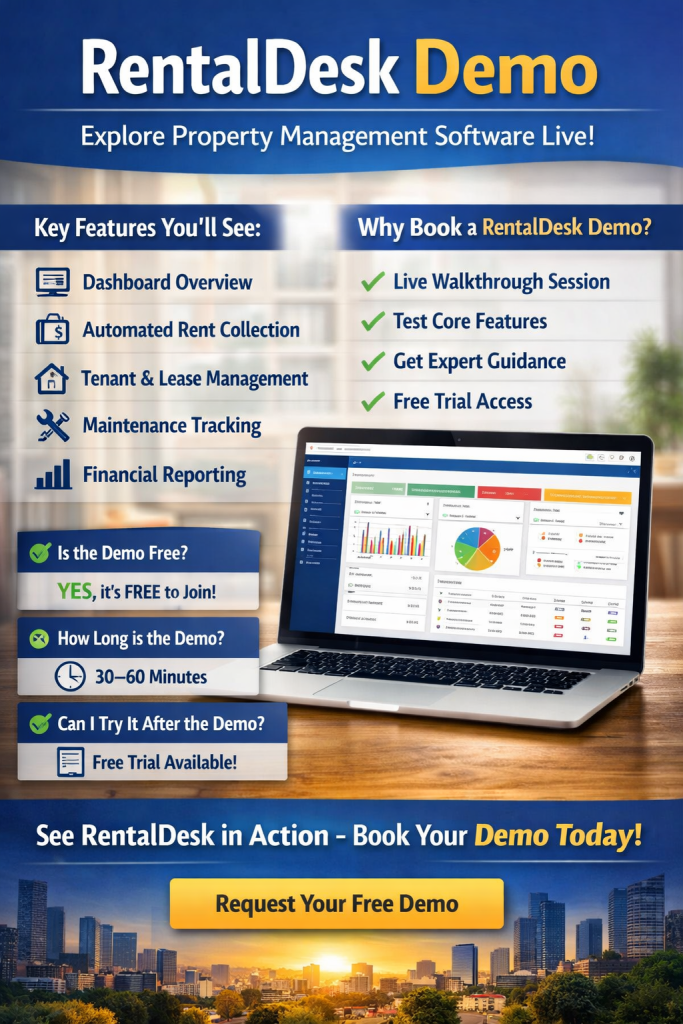
Yes. Most providers offer the demo at no cost so you can explore the software before purchasing. It’s an opportunity to see if the features meet your property management needs.
2. How long does a RentalDesk demo last?
Typically, the demo lasts 30–60 minutes, depending on your questions and the number of properties you manage. You’ll get a full walkthrough of key functionalities.
3. Can I try the software after the demo?
Many RentalDesk providers offer trial access after the demo so you can test the system with your own data before making a purchase decision.
4. Will the demo be customized for my business?
Yes. During the demo, the software expert often tailors the session to your property type—residential, commercial, or mixed-use—showing features most relevant to your workflow.
5. Do I need technical skills for the demo?
No. RentalDesk is designed for ease of use. The demo focuses on intuitive navigation, clear dashboards, and automated workflows, so even beginners can understand it.
Key Features Highlighted in a RentalDesk Demo
-
Dashboard Overview: Centralized management of all properties.
-
Tenant Portal: Seamless communication with tenants.
-
Financial Management: Track rent, expenses, and generate reports.
-
Maintenance Management: Submit, assign, and monitor requests.
-
Automated Notifications: Reminders for rent, lease renewals, and maintenance.
-
Customizable Settings: Tailor the software to fit your property workflow.
Seeing these features in action during a demo ensures you understand how RentalDesk can improve efficiency and profitability.
Why a RentalDesk Demo Outperforms Other Property Management Software Trials
Unlike generic trial versions, a RentalDesk demo is interactive. You don’t just click through menus—you get guided insights from an expert. You can ask questions, see real-world examples, and receive advice on optimizing your rental processes.
SEO Best Practices Tip: RentalDesk Demo in Content Marketing
If you are creating content for RentalDesk demo, remember to include:
-
Keywords like RentalDesk demo, property management software demo, tenant management system demo.
-
Internal links to pricing, features, and support pages.
-
Localized content for your target audience, e.g., “RentalDesk demo in Kenya” or “RentalDesk demo for Nairobi landlords”.
-
Clear call-to-actions: “Book your RentalDesk demo today” or “Schedule a live walkthrough now”.
Take Action Today
Booking a RentalDesk demo is the fastest way to understand how the software can transform your property management process. Don’t spend weeks testing software blindly—get expert guidance, see the dashboard in action, and make an informed decision.