
Property document naming makes it easier to find the correct inspection report, maintenance invoice, or owner statement without opening a dozen attachments. A folder full of files named “final,” “new,” and “scan” creates avoidable work for rental teams. A short, consistent naming convention helps Kenyan property managers understand what a document contains and whether it is the version they need.
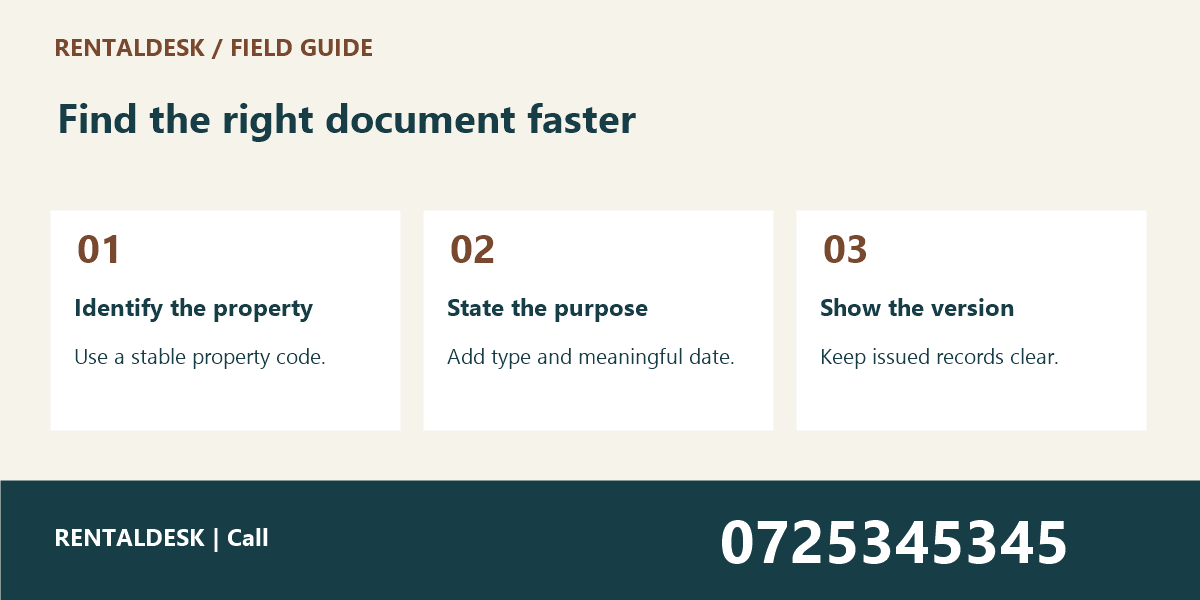
The best convention is one your team can apply accurately during a busy day. It should identify the property, document purpose, relevant date, and version without exposing unnecessary personal information in the filename. This guide sets out seven practical rules. To discuss organising your property operations, visit RentalDesk or call 0725345345.
1. Start property document naming with stable identifiers
Use an approved property code that stays consistent across your records. A building’s informal nickname may change or be used for several places. A stable identifier makes it easier to connect a document with the correct property record, especially when your portfolio includes similar unit numbers in different buildings.
Add the unit identifier when the document concerns one unit. Omit it when the document genuinely applies to the whole building. Do not force a building-wide report into a unit folder merely because a template requires a unit value. The naming convention should describe the document accurately rather than create misleading precision.
For example, a fictional building code and unit code might begin a filename as “P014-U03.” The exact format matters less than consistency and clarity. Keep a controlled reference list so that colleagues do not invent a different abbreviation each time they upload a file.
Avoid using a tenant’s full name, identity number, private phone number, or payment credentials as the main filename identifier. Filenames can appear in search results, email attachments, and download histories. Use the minimum information needed for retrieval and keep sensitive details inside appropriately protected records.
2. Property Document Naming: Choose a small vocabulary for document types
Agree a short list of names such as “inspection,” “maintenance-invoice,” “owner-statement,” and “handover.” If one person uses “inspection,” another uses “check,” and another uses “visit,” searching becomes less predictable. A shared vocabulary reduces ambiguity without requiring a complicated classification system.
Define the boundaries between similar document types. An inspection report describes observations; a maintenance job sheet records work; an invoice requests payment. These documents may relate to the same event, but naming them all “maintenance” hides their different purposes. Use a job reference to connect them instead of collapsing them into one label.
Keep the vocabulary short enough for staff to remember. If there are fifty nearly identical categories, people will guess. Start with the types you actually handle regularly and add a new type only when it solves a retrieval problem. Document examples of the correct format for the most common uploads.
When a document comes from an external supplier, retain the original reference where useful. A supplier invoice number can help reconcile the attachment with the transaction record. Do not replace meaningful references with a generic title that forces someone to open the file just to identify which invoice it is.
3. Property Document Naming: Use dates that have a defined meaning
Choose a date format that sorts predictably, such as year-month-day. Then define what the date represents for each document type. An inspection date, invoice date, reporting period end, and upload date are different facts. A neat filename is still misleading if colleagues interpret its date differently.
For a monthly owner statement, the reporting period may matter more than the day the file was downloaded. For a repair photograph, the visit date may be the useful reference. State these conventions in your short guide so that staff do not select whichever date is easiest to find.
The owner report cutoff guide explains why reports need a clear time boundary. Property document naming should support that boundary. A statement for one period should not be overwritten with a later version that includes additional activity without a visible change in status or version.
Do not invent a missing date. If a document’s relevant date is unclear, flag it for review and record what is known. An upload timestamp can show when the office received the file, but it should not be presented as proof of when the underlying visit, payment, or work occurred.
4. Property Document Naming: Make versions and approval status visible
Use a simple version convention when a document is revised. A sequence such as “v01,” “v02,” and “v03” is easier to interpret than “final-final-new.” Decide whether approval status belongs in the filename, the document system, or both, and apply the decision consistently.
Keep draft, reviewed, and issued states distinct. A document can be the latest draft without being approved for sharing. If staff send the newest file simply because its name contains “final,” the naming convention has failed to communicate the actual status. Record the approval decision in the appropriate workflow.
Where your system has built-in version history, use it as intended. Downloading every revision into separate local folders may create more confusion than it solves. Check how colleagues identify the current approved version and how they retrieve a previous one when a question arises.
If a report is corrected after issue, follow the established correction process and retain the explanation. Do not quietly replace an issued document in a way that makes earlier communication impossible to understand. A visible version trail helps the recipient and the office discuss the same information.
5. Property Document Naming: Keep names readable and compatible
Choose ordinary letters, numbers, and simple separators that work in your storage tools. Long strings of punctuation or copied symbols can make filenames difficult to search and share. Test the proposed convention in the actual software and devices your team uses rather than relying on a format that looks attractive in a policy document.
Keep filenames concise but meaningful. The purpose is to identify a document, not to fit its entire contents into the name. A short property code, document type, date, and reference usually gives a useful starting point. Additional detail belongs in metadata or the document itself when your system supports it.
Preserve the correct file extension. Renaming a file does not convert its format. A photograph renamed with a PDF extension does not become a readable report. If conversion is necessary, use an appropriate tool and check the resulting document before relying on it.
For a custom portal or document workflow, Zama describes business-system development services. Useful requirements include controlled document types, version history, permissions, and search. Confirm these requirements directly rather than assuming that a filename rule alone delivers them.
6. Property Document Naming: Store documents where the record points
Property document naming works best alongside an agreed storage location. A perfectly named file is still difficult to find if one copy sits on a caretaker’s phone, another in an email thread, and a third in an unlabelled office folder. Decide which location holds the authoritative record.
Link documents to the relevant property, job, or reporting record when the system supports it. This lets a colleague start with the task they understand and reach the supporting file. Avoid creating a separate folder structure that contradicts the identifiers used in the main system.
Check permissions before sharing a folder or link. A maintenance invoice, a public advert photograph, and a tenant document may need different audiences. Do not use one broadly accessible folder for everything simply because the filenames are organised. Naming and access control solve different problems.
The vacant unit photos guide provides a useful example of purpose-specific records. A public image set should match the correct unit and current condition. Internal photographs may contain details that should not be included in an advert or shared through the same public link.
7. Property Document Naming: Introduce the convention without breaking existing work
Start with new documents and a small pilot folder. Ask colleagues to retrieve a sample inspection, invoice, and statement using the proposed names. Observe where they hesitate. A short practical trial will reveal unclear abbreviations and date meanings more effectively than a long discussion about naming styles.
Do not rename a large historic library without considering links and references that may depend on existing paths. Some systems preserve links automatically; others do not. Test the behaviour with a controlled sample and plan any migration through the appropriate administrator or system owner.
Keep a mapping when historic filenames are changed. The team should be able to connect an old reference in an email or report with the current stored file. Preserve required records and follow the organisation’s retention process rather than deleting old material merely to make a folder look tidy.
Train staff with realistic, fictional examples. Show one inspection report, one corrected statement, and one supplier invoice. Explain why each component appears in the name. A one-page guide with worked examples is more likely to be used than a complex rulebook with no connection to daily tasks.
A practical property document naming pattern
One possible pattern is “Property-Unit-Type-Date-Reference-Version.” For a building-wide document, omit the unit component according to the agreed convention. For a document without a meaningful external reference, use the internal job or report reference. Treat the pattern as a starting point, not a universal technical requirement.
A fictional inspection might be “P014-U03-inspection-2026-11-04-J082-v01.pdf.” A revised building statement might use the property code, reporting period, and version. Keep the same order every time so that a person scanning a folder can recognise the important parts quickly.
The filename should agree with the document contents. Before sharing, open the file and confirm the property, date, and version on the first page or relevant section. A correct label on the wrong attachment is still an error, and a filename cannot validate the underlying document by itself.
Property Document Naming: Related resources and supplier records
When a property team researches suppliers through a marketplace such as JAAT, keep quotes and purchase records attached to the appropriate job. Record the actual supplier and reference from the document. A marketplace listing is a starting point for comparison, not proof that a specific purchase or repair has occurred.
Additional requested business links include Awasa and Saseni. Their availability could not be confirmed during preparation of this guide. Verify the current destination and service details directly before relying on either for an operational task or sharing private property documents there.
Property Document Naming: Frequently asked questions
Property Document Naming: should every file include the tenant’s name?
Usually a stable property and record reference is more useful for routine retrieval. Avoid exposing unnecessary personal information in filenames. Follow your organisation’s document and privacy procedures when deciding what identifying information is needed.
Property Document Naming: can we rename documents received from contractors?
Use your approved process and preserve meaningful original references. If renaming affects the authenticity, traceability, or system link, retain the original file and add an internal label or metadata instead. The aim is easier retrieval without losing context.
Property Document Naming: how often should the naming guide change?
Change it when a real retrieval problem or workflow requirement justifies the update. Frequent stylistic changes create inconsistent records. Document the effective date and explain how new rules apply to older files before asking the team to adopt them.
Property Document Naming: Run a five-minute retrieval exercise
Give a colleague three fictional requests: find the current inspection for a unit, locate the invoice for a named repair, and identify the issued owner statement for a period. Ask them to use the normal storage system. Observe whether property document naming helps them select the right file without opening unrelated records.
If two files look equally current, improve the version or status convention. If the colleague searches by a building nickname that is absent from the reference list, add an approved lookup rather than allowing a second naming scheme to develop. Small changes based on real retrieval behaviour are more useful than cosmetic renaming.
Repeat the exercise after a major workflow change. Keep a note of the confusing examples and the agreed resolution. This creates a practical training resource for new staff and prevents the team from reopening the same naming debate every few months. The convention succeeds when people can reliably find and explain the correct document.
Property Document Naming: what belongs in a team handover?
Include the property-code reference, document types, date meanings, version rules, and approved storage location. Keep the property document naming handover in the agreed shared record. Ask the incoming colleague to identify the next action without relying on a private conversation, and resolve any ambiguity before responsibility changes.
Property Document Naming: Make the right document easier to find
Start with stable identifiers, a small document vocabulary, meaningful dates, and clear versions. Test retrieval with colleagues and keep storage permissions appropriate. Property document naming should reduce everyday confusion. For help discussing your rental administration workflow, contact RentalDesk on 0725345345.