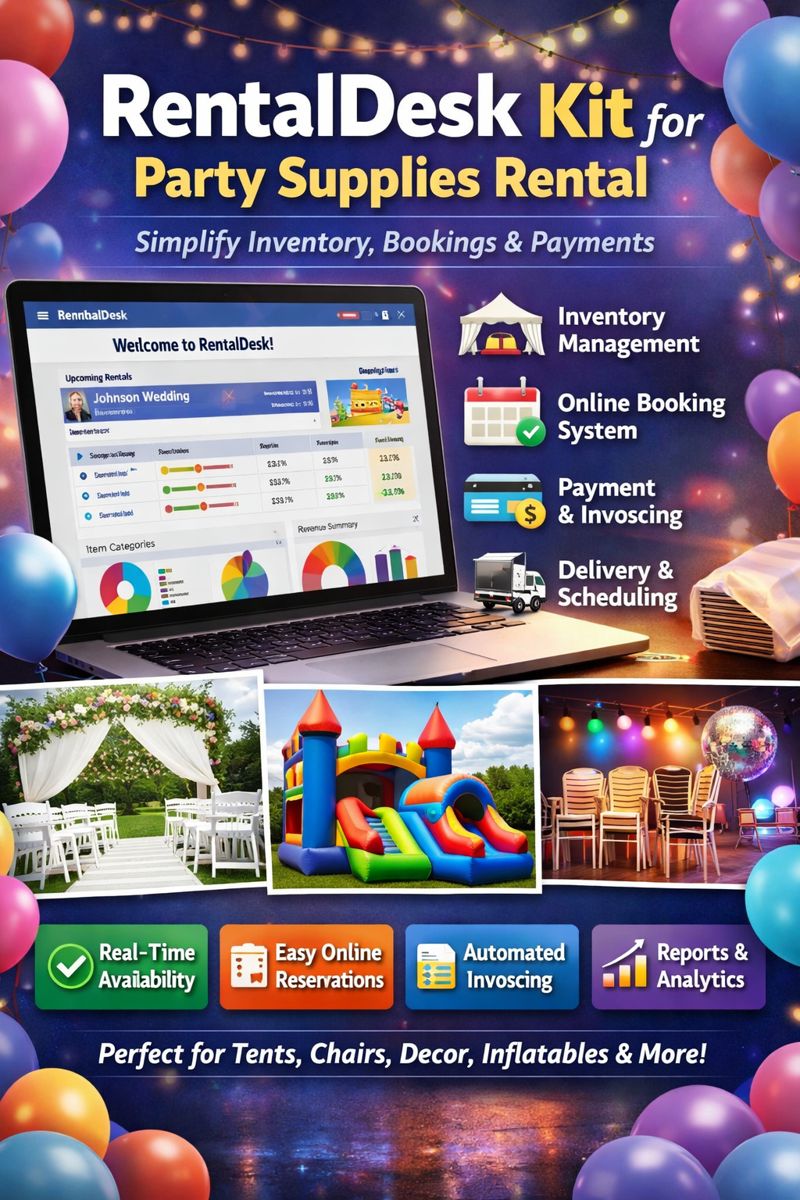
RentalDesk Kit with Keyboard: The Ultimate All-in-One Rental POS Solution
If you’re running a rental business—whether it’s for events, equipment, furniture, or even office spaces—you know how important efficiency is. That’s where the RentalDesk Kit with Keyboard comes in. This complete POS setup is designed specifically for rental operations, combining fast checkout, easy inventory management, and seamless customer handling.
Whether you’re a startup rental company or an established business looking to upgrade, this kit offers the tools you need to stay organized and professional.
What Is a RentalDesk Kit with Keyboard?
A RentalDesk kit with keyboard is a complete point-of-sale system tailored for rental businesses. It includes:
✅ A POS terminal
✅ A keyboard for fast input
✅ A receipt printer
✅ A barcode scanner
✅ Optional accessories like cash drawers and label printers
The keyboard is especially helpful for rental businesses because it allows quick entry of customer details, rental durations, item codes, and more.
Why Choose a RentalDesk Kit with Keyboard?
Here’s why rental businesses are switching to this setup:
1. Faster Checkout Process
With a keyboard, your staff can input rental items quickly, especially when scanning isn’t possible.
2. Better Inventory Tracking
Rental businesses need accurate stock levels. The kit helps track:
-
Items rented out
-
Items returned
-
Damaged or lost items
-
Maintenance schedules
3. Professional Customer Service
Renters get faster service, clearer receipts, and smoother return processes.
Top Features of RentalDesk Kit with Keyboard
1. Easy Rental Tracking
The system lets you track:
-
Rental start and end dates
-
Late fees
-
Deposit handling
-
Item condition reports
2. Barcode Integration
Most kits include a barcode scanner, allowing you to quickly add items to the rental order.
3. Receipt Printing
Printed receipts are essential for rentals. Your customers get proof of payment and rental terms.
4. Robust Reporting
Generate reports like:
-
Most rented items
-
Revenue by month
-
Late return statistics
-
Inventory status
Who Needs a RentalDesk Kit with Keyboard?
This system is ideal for:
-
Event rental businesses
-
Equipment rental stores
-
Party supplies rentals
-
Furniture rental companies
-
Tool rental shops
-
Office space rental services
If your business involves renting products and managing returns, this kit is a must-have.
How a RentalDesk Kit Improves Your Business
1. Reduce Human Error
Manual record-keeping is prone to mistakes. The POS system ensures accuracy in:
-
Pricing
-
Rental dates
-
Inventory levels
2. Save Time
With a keyboard and barcode scanner, you can process rentals and returns in minutes.
3. Improve Customer Satisfaction
Fast service and accurate billing increase trust and repeat business.
How to Choose the Best RentalDesk Kit with Keyboard
Here are key things to consider:
1. Compatibility
Ensure the kit works with your rental software and existing systems.
2. Durability
Rental environments can be tough. Choose hardware that’s built to last.
3. Support & Warranty
Look for kits that include technical support and warranty.
4. Expandability
You may need more features later, such as:
-
Label printers
-
Cash drawers
-
Additional scanners
RentalDesk Kit with Keyboard: The Best Investment for Rental Businesses
If you want to improve your rental operations, reduce errors, and provide professional service, a RentalDesk kit with keyboard is the right choice. It’s designed for speed, accuracy, and smooth inventory management—everything rental businesses need.
RentalDesk Kit with Keyboard: The Complete Rental POS Solution for Faster Checkout & Better Inventory Control
If you run a rental business, you know how challenging it can be to keep track of inventory, manage returns, and ensure customers get fast service. Whether you’re renting equipment, furniture, party supplies, or tools, your operations depend on accurate tracking and fast checkout.
That’s why a RentalDesk kit with keyboard is becoming the go-to choice for modern rental businesses. This all-in-one POS system combines powerful software with reliable hardware to simplify rental workflows, reduce errors, and improve customer experience.
In this article, we’ll explore what a RentalDesk kit is, why the keyboard matters, key features, benefits, and how to choose the right system for your rental business.
What Is a RentalDesk Kit with Keyboard?
A RentalDesk kit with keyboard is a complete Point-of-Sale (POS) hardware bundle designed specifically for rental businesses. It includes:
-
POS terminal
-
Keyboard
-
Barcode scanner
-
Receipt printer
-
Cash drawer (optional)
-
Additional accessories (optional)
The keyboard is a key component because rental businesses often need to enter data quickly and accurately, especially when scanning barcodes is not possible.
This kit makes rental management simple, even for businesses with high volume and multiple inventory items.
Why Rental Businesses Need a Dedicated POS Kit
Most rental businesses try to manage rentals using spreadsheets or generic POS systems. While these tools can work, they often fall short in handling rental-specific operations such as:
-
Tracking rental duration
-
Managing deposits and refunds
-
Handling late fees
-
Recording item conditions
-
Tracking maintenance schedules
A RentalDesk kit with keyboard is built for these exact needs.
Key Rental Business Challenges Solved
Here’s what this kit helps you overcome:
1. Complex Inventory Management
Rental businesses have unique inventory needs. Items go out and return, sometimes damaged, and sometimes late. You need a system that tracks everything.
2. Fast Customer Service
Customers expect quick checkout. With a keyboard and barcode scanner, your staff can process rentals quickly.
3. Accurate Billing
Rental charges depend on duration, deposits, and late fees. The system ensures accurate billing every time.
How the Keyboard Enhances Your Rental POS System
The keyboard is more than just a typing tool. It improves rental operations in several ways:
1. Faster Data Entry
For rentals, you often need to type customer details, item codes, and rental dates. The keyboard speeds up this process.
2. Flexible Input
Some items may not have barcodes, or barcodes may be damaged. The keyboard allows staff to enter item codes manually.
3. Improved Accuracy
Typing errors are reduced when staff use the keyboard along with barcode scanning.
4. Better Control
The keyboard allows staff to navigate through the POS system faster, especially when handling multiple orders.
Top Features of a RentalDesk Kit with Keyboard
A high-quality RentalDesk kit offers features that are specifically built for rental operations. Here are the most important ones:
1. Rental Tracking
This includes tracking:
-
Rental start date
-
Rental end date
-
Rental duration
-
Item condition
-
Late return tracking
This feature ensures you always know where each item is.
2. Deposit Management
Most rental businesses require deposits. The system should handle:
-
Deposit collection
-
Deposit refunds
-
Deposit deductions for damages
3. Late Fee Automation
Late fees can be difficult to manage manually. A rental POS system automatically calculates late fees based on the return date.
4. Maintenance Tracking
For equipment rentals, maintenance is crucial. The system can track:
-
Maintenance schedules
-
Repairs
-
Service history
5. Inventory Reports
You can generate reports such as:
-
Most rented items
-
Inventory availability
-
Revenue by item
-
Rental frequency
These reports help you make smart business decisions.
Benefits of Using a RentalDesk Kit with Keyboard
1. Faster Checkout and Returns
A rental business needs speed. The keyboard and barcode scanner combination allows your staff to process rentals and returns quickly.
2. Reduced Human Error
Manual record-keeping causes mistakes. A POS system ensures accuracy and reduces discrepancies.
3. Better Customer Experience
Customers enjoy fast service, clear receipts, and transparent billing.
4. Improved Inventory Control
You’ll always know which items are out, which are available, and which are overdue.
5. Higher Profitability
With accurate billing and better tracking, your business can reduce losses due to missing or damaged items.
Who Should Use a RentalDesk Kit with Keyboard?
This kit is perfect for any business that rents products and needs efficient management. Common users include:
1. Event Rental Companies
Event rentals require fast checkouts and accurate tracking. The RentalDesk kit makes this process seamless.
2. Equipment Rental Stores
Equipment rentals often involve deposits and maintenance. This kit handles all those needs.
3. Furniture Rental Businesses
Furniture rental businesses need inventory tracking and return management. This kit helps you manage all that.
4. Tool Rental Shops
Tools can be damaged or lost. The POS system helps track conditions and late returns.
5. Party Supplies Rental
Party supplies are often rented for a short period. The system tracks duration and ensures timely returns.
How to Choose the Best RentalDesk Kit with Keyboard
Choosing the right kit can be challenging. Here’s what to look for:
1. Compatibility
Ensure the kit works with your rental software and existing systems.
2. Durability
Rental businesses can be busy and rough. Choose hardware built for heavy use.
3. Warranty and Support
Make sure the kit comes with warranty and technical support.
4. Expandability
You may need to add more hardware later. Choose a kit that allows upgrades.
RentalDesk Kit vs. Traditional POS Systems
Many businesses use traditional POS systems for sales. However, rental businesses have different needs. Here’s how RentalDesk compares:
Traditional POS
-
Designed for sales
-
Limited rental tracking
-
Not built for deposits or late fees
-
No rental inventory tracking
RentalDesk Kit
-
Built for rental operations
-
Tracks rental duration and returns
-
Handles deposits and late fees
-
Better inventory control
Common Questions About RentalDesk Kit with Keyboard
1. Can the kit work without a barcode scanner?
Yes. The keyboard allows manual entry when barcodes are unavailable.
2. Is the kit suitable for small rental businesses?
Absolutely. The kit is scalable and works for both small and large businesses.
3. Can it track multiple locations?
Yes. Many rental POS systems support multi-location management.
4. Does it support online rentals?
Yes. Some systems integrate with online booking and rental platforms.
How RentalDesk Kit Helps You Grow Your Rental Business
A RentalDesk kit with keyboard is more than just a POS system. It helps your business grow by:
1. Reducing losses
Tracking inventory reduces missing or lost items.
2. Improving customer loyalty
Fast and accurate service encourages repeat rentals.
3. Streamlining operations
Your staff spends less time on paperwork and more time serving customers.
4. Increasing revenue
Accurate billing and late fee management help maximize revenue.
Conclusion: Is a RentalDesk Kit with Keyboard Worth It?
Yes. For any rental business, a RentalDesk kit with keyboard is a smart investment. It helps you manage inventory, improve customer service, and increase profitability. Whether you’re renting equipment, furniture, or event supplies, this POS solution is built for your needs.
If you want a rental POS system that is fast, accurate, and reliable, the RentalDesk kit with keyboard is the best choice.