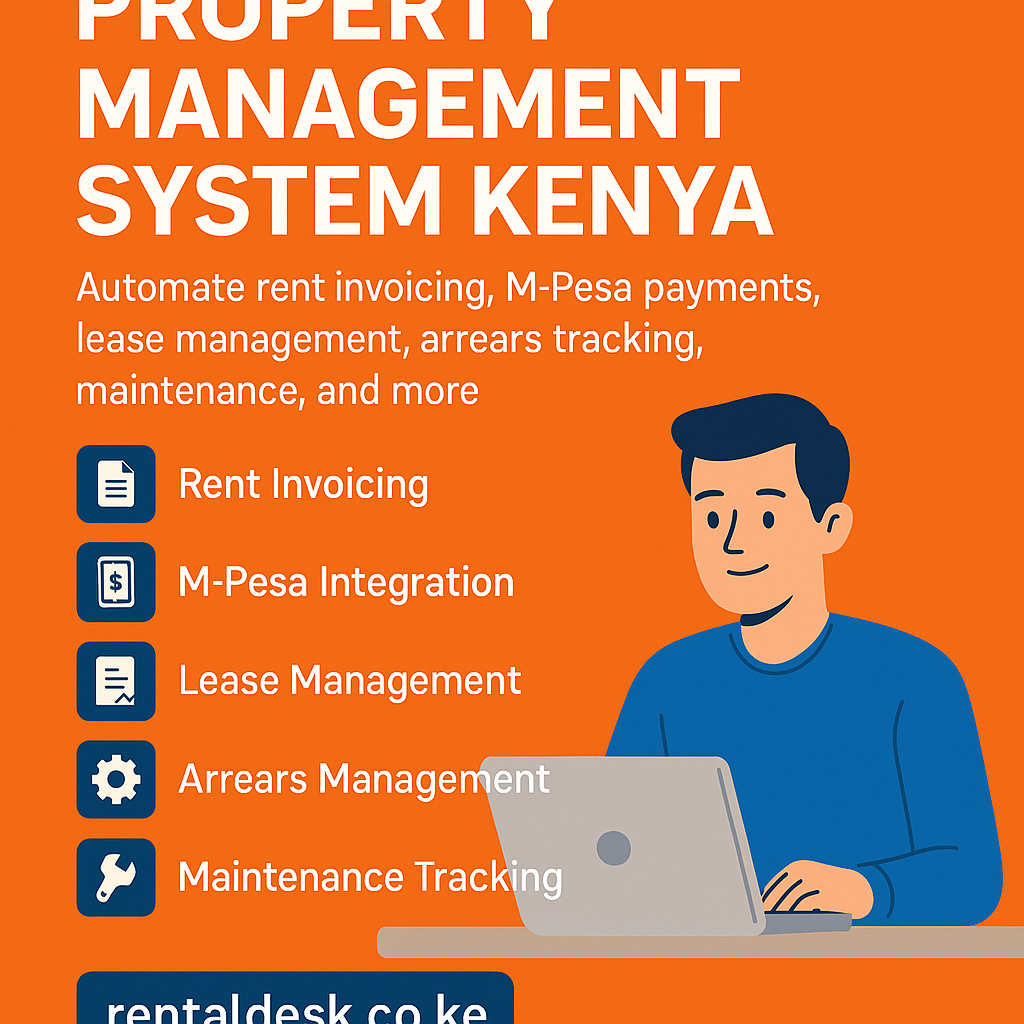
How RentalDesk Kit Works: A Complete Guide for Landlords & Property Managers
Managing rental properties can be time-consuming without the right tools. The RentalDesk Kit is a complete digital property management solution designed to help landlords, property owners, and real estate managers automate rent collection, tenant records, and property operations. In this guide, we explain how the RentalDesk Kit works, step by step.
What Is the RentalDesk Kit?
The RentalDesk Kit is an all-in-one property management system that combines software, reporting tools, and optional hardware to help landlords manage rental units efficiently. It centralizes tenant data, rent payments, expense tracking, and communication into one easy-to-use platform.
How RentalDesk Kit Works (Step-by-Step)
1. Property & Unit Setup
Once the RentalDesk Kit is activated, the first step is to register your properties.
You can:
-
Add multiple properties (apartments, shops, offices, hostels)
-
Create individual units for each property
-
Assign rent amounts, deposits, and billing cycles
-
Categorize units as occupied or vacant
This setup allows the system to automatically track rental income per unit.
2. Tenant Registration & Management
RentalDesk Kit stores complete tenant profiles in one dashboard.
Tenant details include:
-
Full name and contact information
-
National ID or passport number
-
Lease start and end dates
-
Assigned unit and rent amount
-
Payment history
This eliminates paper files and makes tenant tracking fast and secure.
3. Rent Billing & Invoicing
RentalDesk Kit automatically generates rent invoices based on your set billing schedule.
Key features:
-
Monthly or custom billing cycles
-
Automated rent invoices
-
Late payment tracking
-
Arrears calculation
Landlords no longer need to manually remind tenants about rent payments.
4. Rent Collection & Payment Tracking
One of the most powerful features of how the RentalDesk Kit works is automated rent tracking.
The system allows:
-
Manual payment entry
-
Integration with mobile money and bank payments (where supported)
-
Real-time payment status updates
-
Automatic receipts for tenants
This ensures transparency and accurate financial records.
5. Expense & Maintenance Tracking
RentalDesk Kit helps landlords monitor expenses and property maintenance.
You can record:
-
Repairs and maintenance costs
-
Service provider payments
-
Utilities and operational expenses
This gives a clear picture of property profitability.
6. Reports & Financial Statements
RentalDesk Kit generates professional reports instantly.
Available reports include:
-
Rent collection summaries
-
Tenant arrears reports
-
Income vs expenses
-
Property performance reports
These reports help landlords make informed decisions and simplify audits.
7. User Roles & Access Control
RentalDesk Kit supports multiple users.
Access levels include:
-
Property owner
-
Estate manager
-
Accountant
-
Caretaker
Each user sees only what they are authorized to access, ensuring data security.
8. Notifications & Communication
The system improves landlord-tenant communication through automated alerts.
Notifications include:
-
Rent due reminders
-
Payment confirmations
-
Arrears alerts
-
Lease expiry notices
This reduces conflicts and improves rent compliance.
Benefits of Using RentalDesk Kit
-
Centralized rental management
-
Reduced rent arrears
-
Improved record keeping
-
Faster rent collection
-
Real-time reporting
-
Scalable for small and large property portfolios
Who Should Use RentalDesk Kit?
RentalDesk Kit is ideal for:
-
Individual landlords
-
Real estate companies
-
Property management firms
-
Housing cooperatives
-
Commercial property owners
Why RentalDesk Kit Is Ideal for Kenya & Africa
RentalDesk Kit is designed with African property management needs in mind:
-
Supports multi-unit rentals
-
Works well with mobile-based payment systems
-
Simple interface for non-technical users
-
Suitable for growing real estate markets
Final Thoughts: How RentalDesk Kit Works
Understanding how the RentalDesk Kit works shows why it is a powerful solution for modern property management. From tenant registration and rent billing to reporting and communication, RentalDesk Kit automates every critical rental process—saving landlords time, reducing errors, and improving cash flow.
How RentalDesk Kit Works for Different Property Types
RentalDesk Kit is flexible and adapts to various rental setups. Here’s how it works across common property categories:
Residential Apartments
-
Manages multiple blocks and floors
-
Tracks unit-by-unit rent payments
-
Handles tenant move-ins and move-outs
-
Generates monthly rent statements automatically
Commercial Properties
-
Supports shops, offices, and business stalls
-
Custom billing cycles (weekly, monthly, quarterly)
-
Tracks service charges and shared utilities
-
Monitors rent compliance per tenant
Hostels & Student Housing
-
Manages rooms and bed spaces
-
Tracks individual occupant payments
-
Handles short-term and long-term tenants
-
Generates occupancy reports
How RentalDesk Kit Improves Rent Collection Efficiency
One of the biggest challenges landlords face is late or missed rent. RentalDesk Kit addresses this by automating the entire rent cycle.
How it works in practice:
-
System generates rent invoices automatically
-
Tenants receive reminders before due dates
-
Payments are recorded in real time
-
Late payments are flagged instantly
-
Arrears reports are updated automatically
This structured workflow significantly reduces rent defaults.
How RentalDesk Kit Works to Reduce Human Errors
Manual record-keeping often leads to mistakes. RentalDesk Kit minimizes errors by:
-
Automating calculations
-
Standardizing invoices and receipts
-
Eliminating duplicate entries
-
Storing data securely in the cloud
This ensures accuracy in rent balances, deposits, and reports.
Data Security & Backup: How RentalDesk Kit Protects Your Records
RentalDesk Kit stores your data securely and ensures continuity.
Security features include:
-
User login authentication
-
Role-based access control
-
Secure cloud storage
-
Automatic data backups
Landlords can access records anytime without fear of data loss.
How RentalDesk Kit Works on Desktop & Mobile
RentalDesk Kit is web-based, meaning no heavy installations are required.
You can access it:
-
On desktop computers
-
On laptops
-
On tablets
-
On smartphones
This allows landlords and managers to monitor properties remotely.
RentalDesk Kit Workflow Summary
Here’s a simplified overview of how RentalDesk Kit works from start to finish:
-
Register properties and units
-
Add tenants and lease details
-
System auto-generates rent invoices
-
Rent payments are recorded
-
Expenses are tracked
-
Reports are generated instantly
-
Notifications are sent automatically
Common Questions About How RentalDesk Kit Works (FAQ)
Is RentalDesk Kit difficult to use?
No. RentalDesk Kit is designed for non-technical users with a simple dashboard and guided setup.
Can RentalDesk Kit handle multiple properties?
Yes. You can manage unlimited properties and units from one account.
Does RentalDesk Kit work for small landlords?
Absolutely. It works for single-property owners and scales as your portfolio grows.
Can caretakers use RentalDesk Kit?
Yes. Caretakers can be assigned limited access to update payments or tenant status.
-